



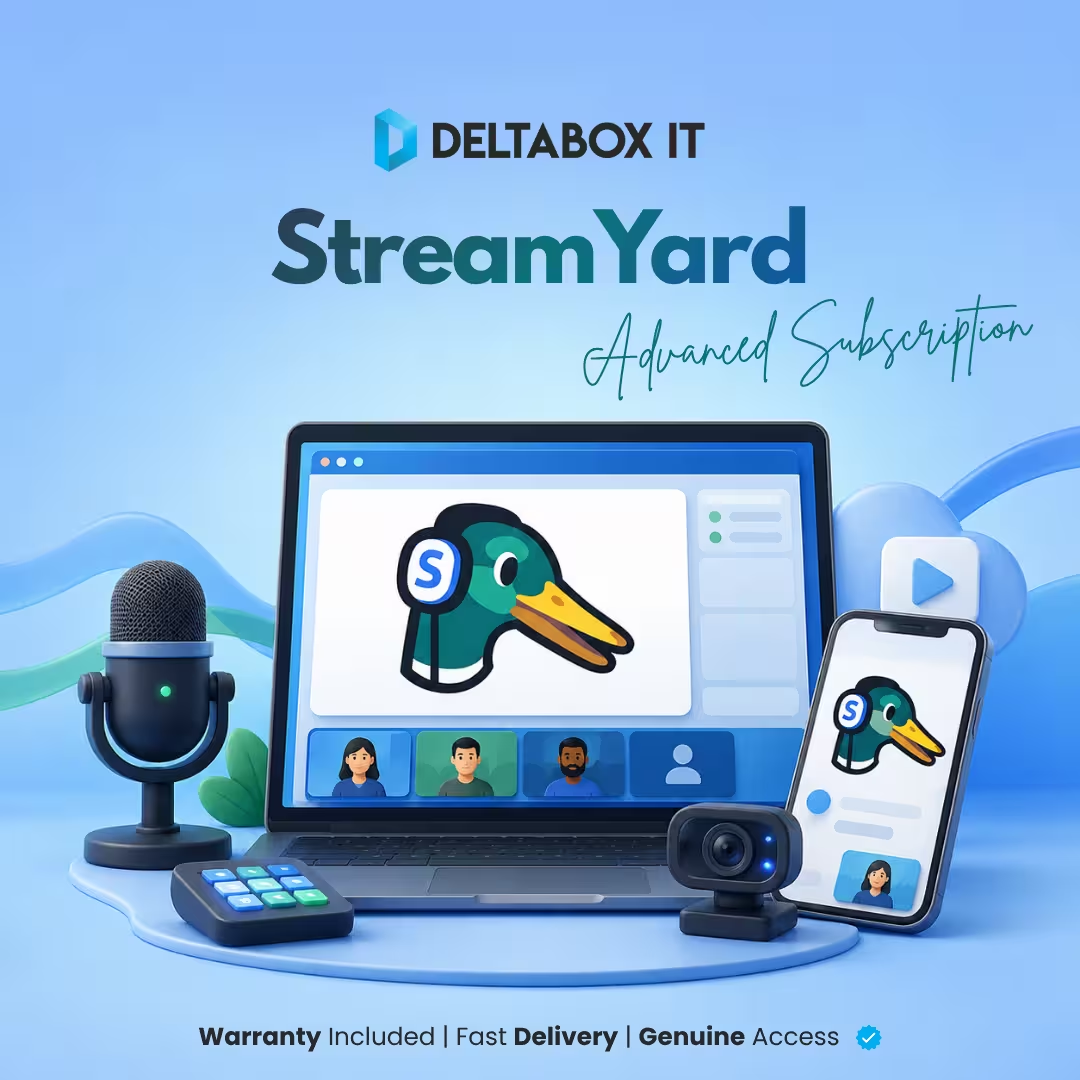


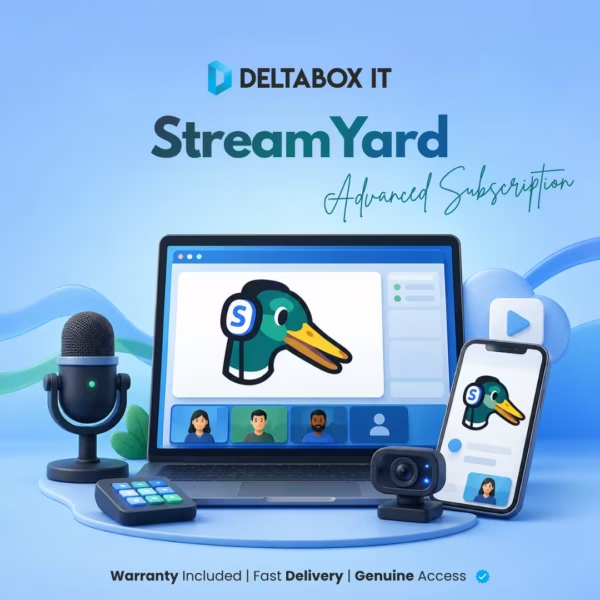
StreamYard Advanced Price in Bangladesh
Buy a one-month StreamYard Advanced subscription in Bangladesh and receive access on your email through an invitation. The package supports branded live-streaming and recording workflows without the mandatory StreamYard logo, with up to 10 people on-screen and 50 hours of recording storage.
Check the live product card for the current StreamYard Advanced price in Bangladesh and availability. Delivery is completed within 1–12 hours during working hours. Full-period warranty covers eligible service-related access issues under DeltaBox IT’s published policy.
This is invited access to a StreamYard workspace, not ownership of StreamYard or a direct billing relationship with the platform. DeltaBox IT is an independent third-party seller.
What Is StreamYard Advanced?
StreamYard is a browser-based live-streaming and recording platform. Creators can host guests, arrange on-screen layouts, share screens and presentations, add branding, record sessions and broadcast to supported destinations.
Advanced is a current paid StreamYard plan for individual creators and eligible small-team workflows. The platform’s current plan adds higher participant, multistreaming, recording and production capabilities than the Free tier. This DeltaBox IT page only guarantees the package features confirmed in the product brief and official documentation.
StreamYard Advanced Subscription Package in Bangladesh
| Package Detail | Included Condition |
|---|---|
| Plan | StreamYard Advanced |
| Duration | One month |
| Activation | Invitation to the customer’s email |
| Access model | Invited member access; exact role must be confirmed |
| On-screen limit | Up to 10 participants at once, including the host |
| Backstage limit | Up to 15 people in the studio, including the host |
| Recording storage | Up to 50 hours |
| StreamYard logo | Mandatory platform logo can be removed |
| Streaming allowance | No StreamYard-side monthly streaming-hour cap; external limits apply |
| Delivery time | 1–12 hours during working hours |
| Warranty | Full-period warranty |
| Renewal | Renewable; not automatic |
Price and availability remain controlled by the live product card.
How Does Customer-Email Invitation Work?
The customer provides the email address requested during checkout. DeltaBox IT sends or arranges a StreamYard workspace invitation, and the customer accepts it using that email.
The invitation does not automatically establish workspace ownership or billing control. StreamYard permissions depend on the assigned role:
- Owner: Controls billing, team ownership and account deletion.
- Admin: Can create and end broadcasts, manage destinations, access the video library and manage brand assets, but does not control billing.
- Cohost: Can assist inside a studio but cannot create broadcasts or manage the full workspace.
The supplied brief does not state which role the customer receives. That must be confirmed before the page promises independent hosting, recording downloads, destination management or library access.
Logo-Free Streams and Branding
The paid plan removes the mandatory StreamYard logo used on Free-plan broadcasts. The customer can run a stream without that platform logo. Access to custom logos, overlays, backgrounds or other brand assets depends on the assigned workspace role and current StreamYard feature conditions.
“No StreamYard logo” does not mean that another brand logo is added automatically. The host must configure any custom brand asset they want to display.
Participant Limits: Backstage vs On-Screen
The current Advanced plan supports up to 15 people backstage, including the host. A maximum of 10 participants can appear on-screen at the same time, also including the host.
Extra backstage participants can wait off-screen and be swapped into the live layout when another person is removed. Therefore, “10 participants” should not be described as 10 guests plus a separate host.
Internet quality, browser performance, device capability and each participant’s connection can affect the practical quality of a multi-person broadcast.
What Does 50 Hours of Storage Mean?
The package includes up to 50 hours of StreamYard recording storage under the current plan structure. This is the amount of recorded content that can remain in the StreamYard video library—not a monthly streaming-time limit.
When the storage allowance is full, the customer can continue broadcasting, but StreamYard recording is disabled until recordings are deleted or additional storage is added. Download important recordings before removing them from the library.
Recording download permission depends on the assigned workspace role. StreamYard currently limits downloading to Owners and Admins, so the invitation role must be confirmed.
Are Meetings and Streams Unlimited?
The competitor wording “unlimited meetings” is inaccurate. StreamYard is a streaming and recording studio, not a conventional unlimited-meeting service.
Paid StreamYard plans do not have a StreamYard-side monthly streaming-hour limit. However:
- Each destination platform can impose its own maximum stream duration.
- Advanced live-stream recordings are limited to 10 hours per stream.
- Recording depends on available storage.
- Internet, browser, destination and platform policies still apply.
The accurate customer-facing claim is no StreamYard-side monthly streaming-hour limit, not unlimited duration or unlimited recording.
StreamYard Free vs Advanced
| Area | Free Plan | This Advanced Package |
|---|---|---|
| StreamYard logo | Required | Can be removed |
| On-screen participants | Up to 6 | Up to 10, including host |
| Backstage participants | Up to 6 | Up to 15, including host |
| Recording storage | Lower allowance | Up to 50 hours |
| Monthly streaming hours | Free-plan allowance | No StreamYard-side monthly cap |
| Workspace access | Account owner | Invited access; role must be confirmed |
This comparison covers stable decision-critical differences only. It does not add unverified multistreaming, webinar, resolution or pre-recorded-stream promises to the DeltaBox IT package.
Who Is This Package Suitable For?
This package may suit individual creators, interview hosts, podcasters, educators and freelancers who want a one-month browser-based streaming and recording workspace with logo removal, higher participant capacity and recording storage.
This Package May Not Be Suitable If:
- You require ownership or billing control of the StreamYard workspace
- You need a specific Owner, Admin or Cohost role that has not been confirmed
- You require a company-domain email that StreamYard may route to a Business plan
- You need more than 10 people simultaneously on-screen
- You need unlimited recording duration or storage
- You need guaranteed destination uptime or uninterrupted streaming
- You need unverified 4K, multistreaming, webinar or pre-recorded limits published as package promises
Email, Workspace and Privacy Conditions
StreamYard states that Core and Advanced are intended for individual creators using personal email addresses. A business or company-domain email may require a StreamYard Business plan. Use a personal email unless DeltaBox IT confirms that the supplied invitation supports the intended address.
Workspace Owners and Admins can access the workspace video library and other assets according to their roles. Do not use the invited workspace for confidential or client-sensitive recordings until access, sharing and retention conditions are understood.
Keep the invitation and account access private. Do not share or resell the invited member place.
Delivery and Activation Process
- Review the live product card for current price and availability.
- Place the order using the email intended for StreamYard access.
- Receive the invitation within the regular delivery window.
- Accept the invitation using the correct email.
- Confirm that the workspace shows the Advanced plan.
- Check the assigned role before creating streams or storing recordings.
- Test branding, participant access and recording before a business-critical broadcast.
Delivery is completed within 1–12 hours during working hours. This is not an instant-activation promise.
Renewal, Warranty and Replacement Information
Renewal: Renewable.
Renewal is not automatic. Contact DeltaBox IT before expiry to confirm current availability and instructions. Continued access to the same workspace, role, destinations or recording library is not guaranteed unless confirmed for the renewal.
Warranty: Full-period warranty.
Eligible service-related access issues are handled under DeltaBox IT’s Warranty & Replacement Policy. The warranty does not create a guarantee for StreamYard uptime, destination-platform availability, customer internet quality, user-policy violations or uninterrupted broadcasts.
Why Buy Through DeltaBox IT?
DeltaBox IT provides a Bangladesh-focused ordering route for this disclosed StreamYard Advanced package. Customers receive invitation-based access on their email, the regular 1–12 working-hour delivery window, renewable access and full-period warranty under the published policy.
DeltaBox IT does not represent StreamYard or claim an official, authorized or exclusive relationship with the platform.
Important Information Before Ordering
- The plan is StreamYard Advanced for one month.
- Access is activated through an invitation to the customer’s email.
- The assigned workspace role must be confirmed before publication.
- Advanced supports 15 backstage participants but only 10 on-screen at once, including the host.
- The 50-hour allowance is recording storage, not streaming time.
- There is no StreamYard-side monthly streaming-hour cap, but destination and recording limits apply.
- StreamYard recordings are limited to 10 hours per live stream on Advanced.
- The mandatory StreamYard logo can be removed.
- Delivery is completed within 1–12 hours during working hours.
- Renewal is not automatic and may not preserve the same workspace or library.
- Full-period warranty follows DeltaBox IT’s published policy.
Frequently Asked Questions
What Is the StreamYard Advanced Price in Bangladesh?
The current DeltaBox IT price is displayed in the live product card. The long description does not repeat a fixed price because commercial details and availability can change.
How Is StreamYard Advanced Activated?
Access is activated through an invitation sent to the customer’s email. The customer accepts the invitation and joins the StreamYard workspace with the assigned role.
Will the StreamYard Logo Appear on My Streams?
The mandatory StreamYard logo used on Free-plan broadcasts can be removed on this paid package. Adding a custom logo or other brand assets requires separate setup and suitable workspace permissions.
Can 10 Guests Appear with the Host?
No. The current maximum is 10 total on-screen participants, including the host. Advanced allows up to 15 people backstage, so additional participants can wait and be swapped on-screen.
What Does 50 Hours of Storage Mean?
It means up to 50 hours of recorded content can be stored in the StreamYard video library. It is not a 50-hour limit on live broadcasting. Recording stops when storage is full until space is freed or expanded.
Does StreamYard Advanced Include Unlimited Meetings?
StreamYard paid plans have no StreamYard-side monthly streaming-hour limit, but “unlimited meetings” is misleading. Destination platforms impose their own limits, Advanced recordings stop after 10 hours per stream and available storage affects recording.
Can I Download My StreamYard Recordings?
StreamYard currently allows Owners and Admins to download recordings. The supplied invitation role is not confirmed, so download access must not be promised until DeltaBox IT verifies the assigned role.
Is StreamYard Advanced Renewable?
Yes, it is renewable, but renewal is not automatic. The same workspace, role and recording library are not guaranteed unless confirmed for the renewal.
What Does the Full-Period Warranty Cover?
Eligible service-related access issues are handled under DeltaBox IT’s Warranty & Replacement Policy. It does not guarantee StreamYard uptime, destination availability, internet performance or broadcasts affected by user-policy violations.
Get StreamYard Advanced Access in Bangladesh
Review the live package card, confirm that the invitation role supports your workflow and place your order for one month of StreamYard Advanced access through DeltaBox IT.
 StreamYard Advanced Subscription in Bangladesh
Related Products
![Netflix Premium Subscription in Bangladesh [4K - Ultra HD]](https://deltaboxit.com/wp-content/uploads/2026/08/Netflix-768x768.webp)
Netflix Premium Subscription in Bangladesh [4K – Ultra HD]
In stock

Microsoft Office 365 & Professional Plus Subscription in Bangladesh
In stock


Reviews
There are no reviews yet