




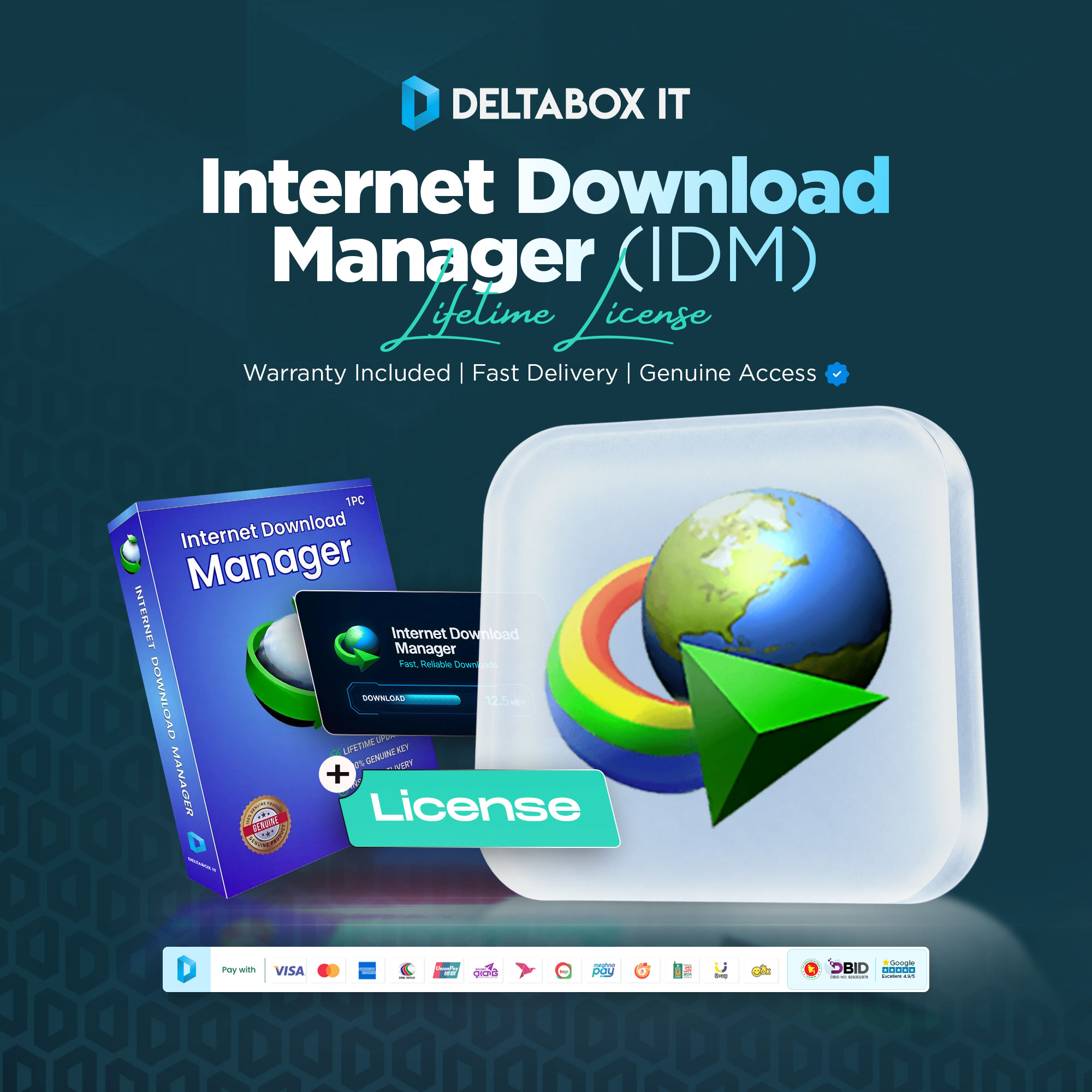


IDM Lifetime License Price in Bangladesh
Internet Download Manager is a Windows download-management application that can take over supported browser downloads, organise files, schedule queues and recover many interrupted transfers. DeltaBox IT’s listed package provides a dedicated lifetime IDM key for one PC, linked to the customer’s email address.
The licence can be moved to another computer when the old installation is removed and will no longer use the serial. Lifetime refers to the continuing right to use the licensed software; it does not promise free updates forever.
Check the live product card above for the current IDM lifetime license price in Bangladesh, stock and verified warranty terms. Delivery is completed within 1–12 hours during working hours.
What Is Internet Download Manager?
Internet Download Manager, commonly called IDM, is software for managing downloads on supported Windows computers. It can integrate with browsers, divide eligible transfers into multiple parts, maintain download queues and provide controls that a browser’s basic download window may not offer.
Tonec FZE develops IDM. DeltaBox IT is an independent seller and does not control its licensing, updates or compatibility.
Results depend on internet speed, the source server, network stability and whether the website permits segmented or resumed downloading.
What Does “Lifetime License” Mean?
IDM defines its lifetime licence as a one-time software licence that does not expire. There is no annual licence fee required simply to keep using the eligible licensed version on one computer.
The update entitlement is separate. A newly used lifetime serial currently receives three years of guaranteed free updates. When that guaranteed period ends, the licence continues working, but Tonec may charge for later updates. Tonec currently says paid-update enforcement is not active; that current practice should not be treated as a permanent right.
This package should therefore be presented as lifetime software use with a defined guaranteed update period—not as lifetime updates.
IDM Lifetime Licence Package Details
| Package Condition | DeltaBox IT Listing |
|---|---|
| Licence type | Dedicated lifetime key |
| Registered email | Customer’s email address |
| Device allowance | 1 Windows PC at a time |
| Simultaneous PC use | Not permitted |
| Free updates | Guaranteed for 3 years from first serial use |
| PC transfer | Allowed after old PC stops using the licence |
| Region | Supplier-listed global key; verify activation terms |
| Delivery | 1–12 hours during working hours |
| Warranty | Must be verified in the live card before purchase |
| Licence renewal | Not required for lifetime validity |
The email address matters because IDM uses the purchase email to retrieve a lost serial or check its status. Customers should provide an email they control and expect to keep accessible.
One Key for One PC
The IDM lifetime licence is issued per computer. One serial cannot be used to keep IDM activated on several PCs at the same time. It may work across multiple Windows user accounts or operating systems installed on the same physical computer, but it remains a one-computer licence.
Repeated use on different active computers can produce a registration warning and may cause the serial to be blocked automatically. Customers who need IDM on two computers should use two separate licences instead of rotating one key.
How to Transfer IDM to Another PC
Transferability is intended for replacing the licensed computer, not for concurrent use. Follow this process:
- Save the registration email, serial and any important download settings.
- Uninstall IDM from the old computer when possible and stop using the serial there.
- Install the latest compatible IDM version on the replacement Windows PC.
- Enter the customer details and serial from the registration email.
- Check
Help > Aboutto confirm the registered full version.
If the old PC is broken, stolen or formatted and cannot use the key again, IDM’s guidance still permits activation on the replacement computer. Frequent transfers or continued use on both systems can lead to blocking.
Windows Compatibility
The latest IDM version currently supports:
- Windows 7
- Windows 8 and 8.1
- Windows 10
- Windows 11
- 64-bit editions of the supported Windows versions
Current IDM does not run on macOS, Linux, Android or iOS. A Windows emulator, compatibility layer or remote environment is not guaranteed and should not be treated as supported use.
Browser Integration
IDM can work with supported Windows browsers through the IDM Integration Module. Common workflows include Chrome, Firefox, Microsoft Edge and Opera. Once enabled, the extension can take over eligible downloads, add browser context-menu options and display a download panel on supported web content.
The desktop IDM application must also be installed. Adding a browser extension alone does not provide the complete download manager. Use only the extension links supplied through IDM’s installer or official support pages; similarly named third-party extensions may be unsafe or incompatible.
Core IDM Features
IDM’s current application includes tools for:
- Pausing and resuming eligible downloads
- Recovering many interrupted downloads after connection or power failures
- Scheduling download queues
- Organising files into categories
- Capturing supported downloads from integrated browsers
- Adding links manually or through browser context menus
- Setting speed or download limits
- Managing multiple queued files
- Customising the application interface
Not every server permits resume or segmented transfers. Temporary links can expire, websites can change their delivery systems and security software can interfere with connections or file writing.
Download Speed Expectations
IDM uses dynamic segmentation and multiple connections where the source permits them. Results still depend on the internet package, Wi-Fi, source server, storage and website restrictions. DeltaBox IT should not guarantee a fixed speed increase, and performance variation does not prove that a valid licence has failed.
Video and Website Limitations
IDM may detect downloadable media on supported web pages, but it cannot download every online video. Protected streaming protocols, DRM, encrypted playback and website restrictions can prevent the download panel from working or prevent IDM from saving the content.
Website owners can change their player, link format or access controls without notice. Customers must follow copyright law, the website’s terms and the content owner’s permissions. This licence does not grant rights to copy, bypass protection or redistribute media.
Do not buy IDM solely for one protected platform or a guaranteed specific video download.
Email-Linked Registration and Serial Recovery
The dedicated key is listed as linked to the customer’s email. IDM’s official recovery page requires the same email used for purchase or registration to retrieve the serial and check its status. Losing access to that email can make recovery difficult and may require a new purchase.
Customers should submit an email they own, check its spelling and securely retain the registration message. The exact process by which DeltaBox IT or its supplier links the key to that email must be confirmed in the live product card.
Activation Process
After receiving the registration details, install the latest compatible IDM version from the official IDM website. Open IDM, choose Registration > Registration, enter the customer information and paste the serial exactly as supplied. Copying and pasting helps avoid confusion between characters such as zero and the letter O.
After registration, open Help > About. The window should show the registered full version and the relevant registration name. If the serial is rejected, take a screenshot of the complete error and contact DeltaBox IT without attempting cracks, patches, hosts-file changes or unofficial activators.
Warranty and Support Terms
The warranty duration and activation-support terms are not yet confirmed. They must be visible beside the price before the product can be treated as publication-ready.
Management must define coverage duration, activation assistance, evidence requirements, customer-error exclusions, multi-PC misuse, transfer support and the resolution sequence. Do not use “full-period warranty,” “lifetime warranty” or “instant replacement” until that policy is approved and linked.
Delivery and Future Updates
Delivery is completed within 1–12 hours during working hours after successful payment and required order verification. The current price is displayed in the live product card.
The lifetime licence does not require annual renewal to keep using the eligible version. Future software updates after the guaranteed three-year period may require payment if Tonec changes its currently unenforced update policy. Any such payment would be an update entitlement, not renewal of the lifetime licence itself.
Who Is This Licence Suitable For?
This package may suit Windows users who manage large or repeated downloads, want a dedicated serial, need browser integration or queues, and can maintain access to the registration email. It may also suit customers replacing a PC who understand the uninstall-first transfer rule.
It is not suitable for macOS, Linux, Android or iOS users; customers who need simultaneous use on multiple PCs; or buyers seeking guaranteed downloads from protected streaming services.
How to Order from DeltaBox IT
- Review the live price, stock, email requirement and verified warranty terms.
- Confirm that the computer runs a supported Windows version.
- Enter an accurate email address that you control.
- Complete payment using an available method.
- Wait for processing; standard delivery is 1–12 hours during working hours.
- Install IDM from its official website and register with the delivered serial.
- Save the registration email securely for future recovery or PC transfer.
Frequently Asked Questions
1. What Is the IDM Lifetime License Price in Bangladesh?
The current amount is shown in DeltaBox IT’s live product card. This page does not hard-code a price because stock and commercial terms can change.
2. Does an IDM Lifetime Licence Expire?
No. The official lifetime licence has no time limit for using the eligible licensed software on one computer. This is different from the one-year licence.
3. Does Lifetime Mean Free Updates Forever?
No. A lifetime licence currently includes three years of guaranteed free updates from the first use of the serial. The licence continues working afterward, but future updates may become paid.
4. Can I Use One IDM Key on Two Computers?
No. One licence is for one computer at a time. Concurrent use on multiple computers can trigger warnings or cause the serial to be blocked.
5. Can I Transfer the IDM Licence to a New PC?
Yes, when the old computer will no longer use it. Uninstall IDM from the old PC first where possible, then install and register it on the replacement computer.
6. Can I Reactivate IDM After Reinstalling Windows?
Normally yes on the same computer. Use the latest installer and the original customer email and serial. Repeated hardware or device changes may trigger checks.
7. Does IDM Work on Mac, Linux or Mobile Devices?
No. The latest IDM version supports Windows 7, 8/8.1, 10 and 11. It does not currently support macOS, Linux, Android or iOS.
8. Can IDM Download Every Online Video?
No. Protected streaming protocols, DRM and website restrictions can prevent media detection or downloading. Customers must also respect copyright and platform terms.
9. Why Must the Licence Be Linked to My Email?
IDM uses the original registration email to retrieve a lost serial or check its status. Customers should use an email they control and keep the registration message secure.
10. What Warranty Is Included?
Warranty and activation-support terms must be confirmed in the live product card before purchase. No lifetime or full-period warranty should be assumed from the lifetime licence name.
Buy an IDM Lifetime Licence for One Windows PC
Choose this package if you need a dedicated, email-linked IDM serial for one supported Windows computer. Review the live price and warranty, use an email you control, and remember that lifetime software use includes three years of guaranteed free updates—not guaranteed lifetime updates.
 Internet Download Manager (IDM) Lifetime License Price in Bangladesh
Related Products
Microsoft Office 365 & Professional Plus Subscription in Bangladesh
In stock


Reviews
There are no reviews yet