
You sign up for a streaming trial to watch a particular series or explore a new platform. A few days later, you decide it is not worth keeping, but you forget to cancel. By the time you check your payment statement, the trial has converted into a paid subscription.
The easiest way to avoid that situation is to cancel before the trial ends and confirm that automatic renewal has stopped.
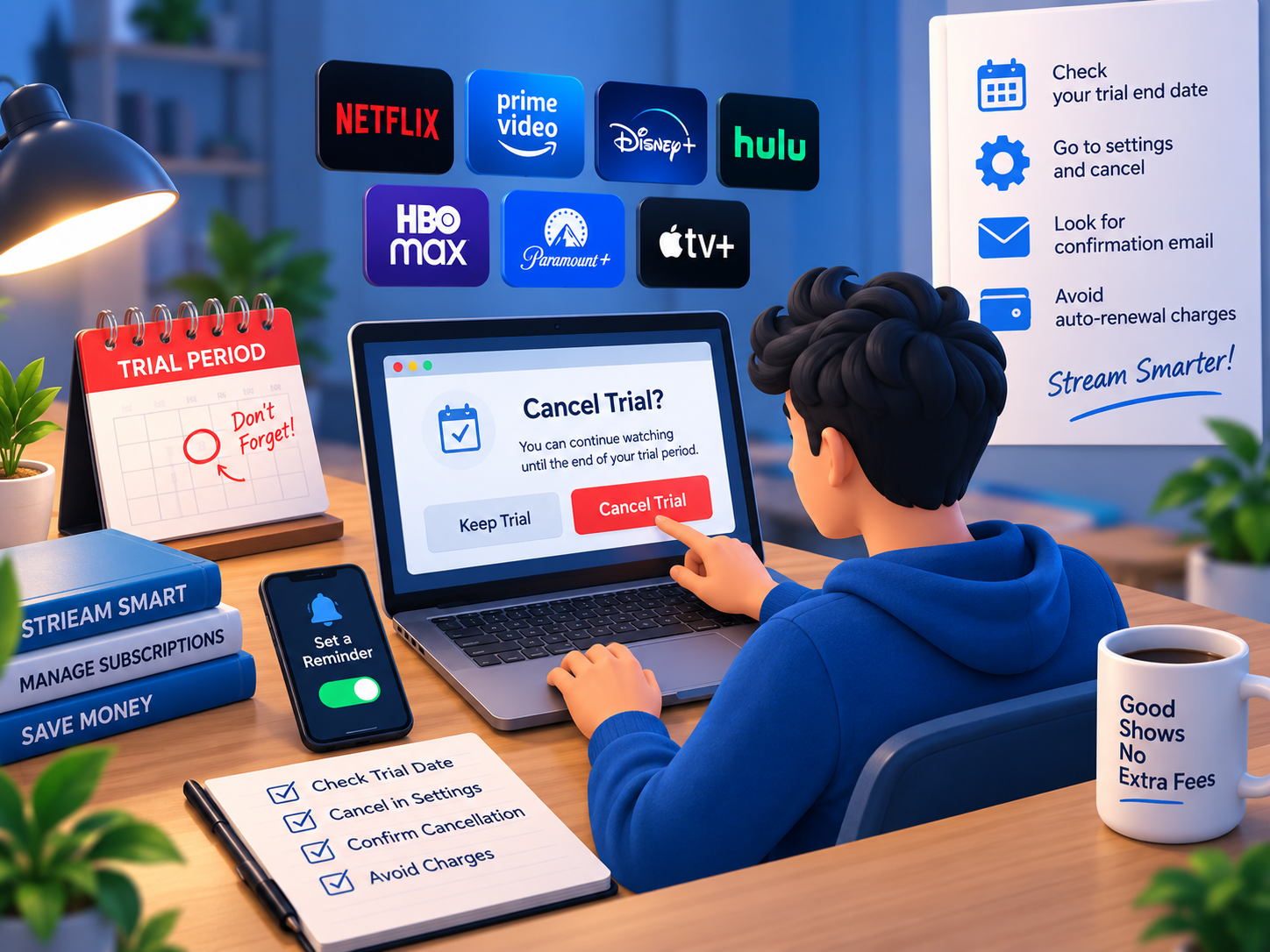
The important detail is knowing where to cancel. A subscription purchased through a streaming service’s website may have a different cancellation process from one purchased through Apple, Google Play or Roku.
This guide explains how to cancel a streaming free trial before you’re charged, how to identify your billing provider and what to do if a payment has already been processed.
Quick Answer: How Do You Cancel a Streaming Free Trial?
Find out which company processes your subscription payment, open its subscription-management page and complete the cancellation process before the trial expires.
| Where You Subscribed | Where to Cancel |
|---|---|
| Streaming service website | The service’s account or billing settings |
| Apple App Store | iPhone or iPad Settings → Subscriptions |
| Google Play | Google Play → Payments & subscriptions |
| Roku | Roku subscription settings, if Roku manages the subscription |
| Amazon Prime Video Channels | The relevant Amazon subscription-management page |
| Third-party provider | The company that manages your subscription or renewal |
The safest approach is to cancel before the final trial day and save the confirmation.
Do not assume that deleting an app, signing out or removing a viewing profile stops recurring billing.
1. Check Your Trial Expiration Date
Before canceling anything, find the exact date when your trial converts to a paid membership.
You can usually find this information in your subscription settings, original signup email or payment receipt.
Check three things: the trial expiration date, the next billing date and whether the subscription renews automatically.
If the service offers several plans, also confirm which plan will become active after the trial.
A free trial may convert into a monthly or annual subscription depending on the offer you accepted.
Should You Cancel on the Last Day?
It is safer to cancel earlier.
Apple advises users who do not want to renew a trial subscription to cancel at least 24 hours before its expiration. Other platforms may have different cancellation deadlines.
A reminder two days before the trial ends provides a practical buffer.
However, check what happens to your access after cancellation. Some services let you continue watching until the scheduled expiration date, while certain trial offers may end immediately.
For example, Hulu states that its regular trial subscribers generally retain access until the trial ends, but Hulu + Live TV free trials end immediately upon cancellation.
If you want to use the remaining trial period, verify that policy before canceling early.
2. Cancel a Streaming Subscription Through Its Website
If you subscribed directly through a streaming provider, begin with that provider’s official website.
The exact menu names vary, but the general process is similar:
- Sign in to the account used for the subscription.
- Open Account, Membership or Subscription settings.
- Find the current plan and billing information.
- Select Cancel Subscription, Cancel Membership or the equivalent option.
- Complete any additional confirmation screens.
- Check that the account now displays a cancellation or expiration notice.
Do not stop after the first cancellation screen.
Some services offer a cheaper plan or temporary membership pause before allowing you to complete cancellation. If your intention is to stop future billing, make sure the final action actually cancels the subscription.
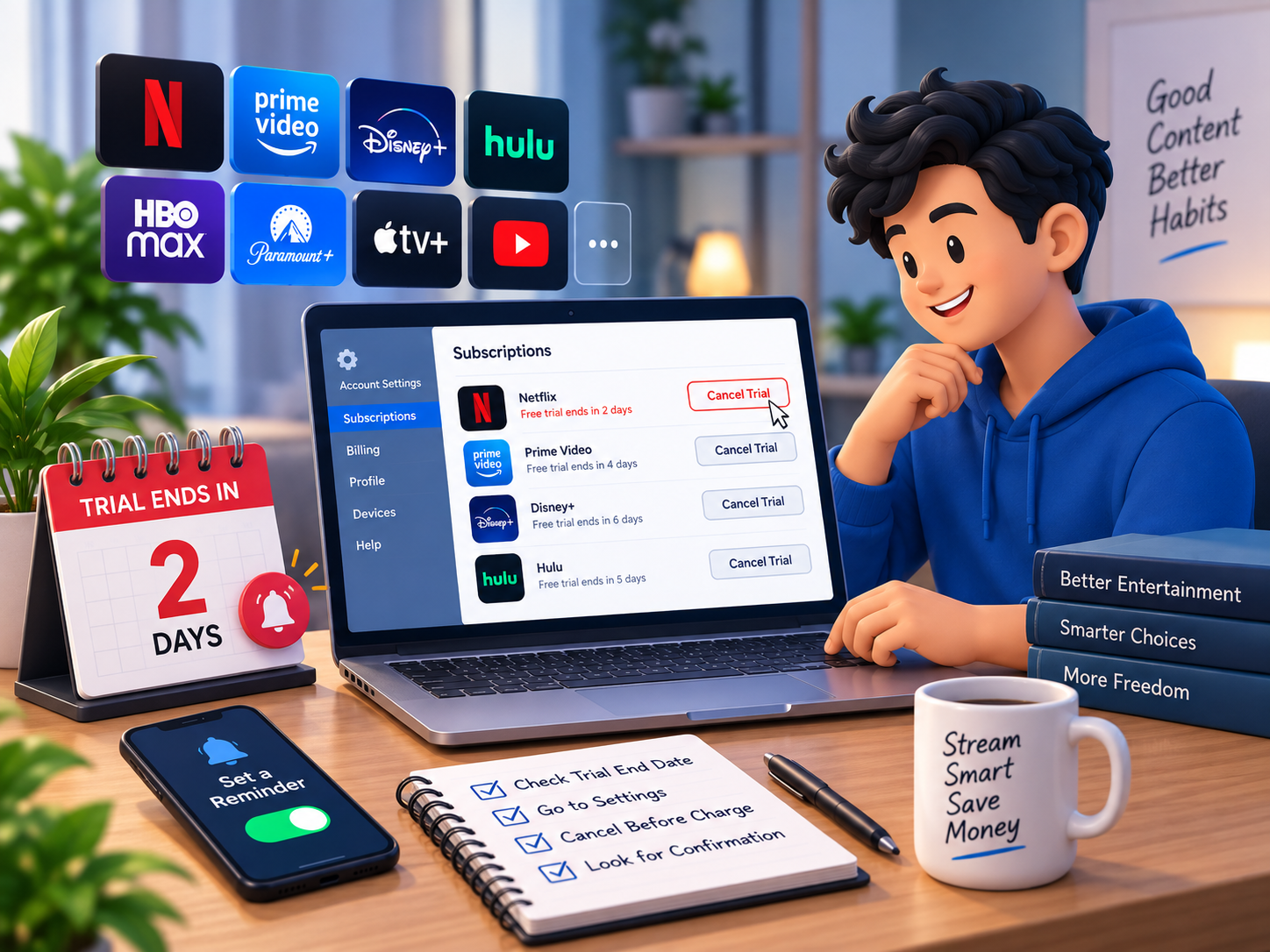
How to Cancel Netflix
Netflix does not currently offer a standard free trial, but its paid membership can be canceled online.
To cancel Netflix, open its Manage Your Membership page, select Cancel and then Finish Cancellation.
Netflix states that users who cancel with time remaining in their paid billing period can generally continue watching until that period ends.
If the cancellation option is missing, Netflix advises checking whether the membership is billed through a payment partner.
Remember that canceling a paid Netflix membership and canceling a free trial on another platform are different situations.
3. Cancel a Free Trial on iPhone or iPad
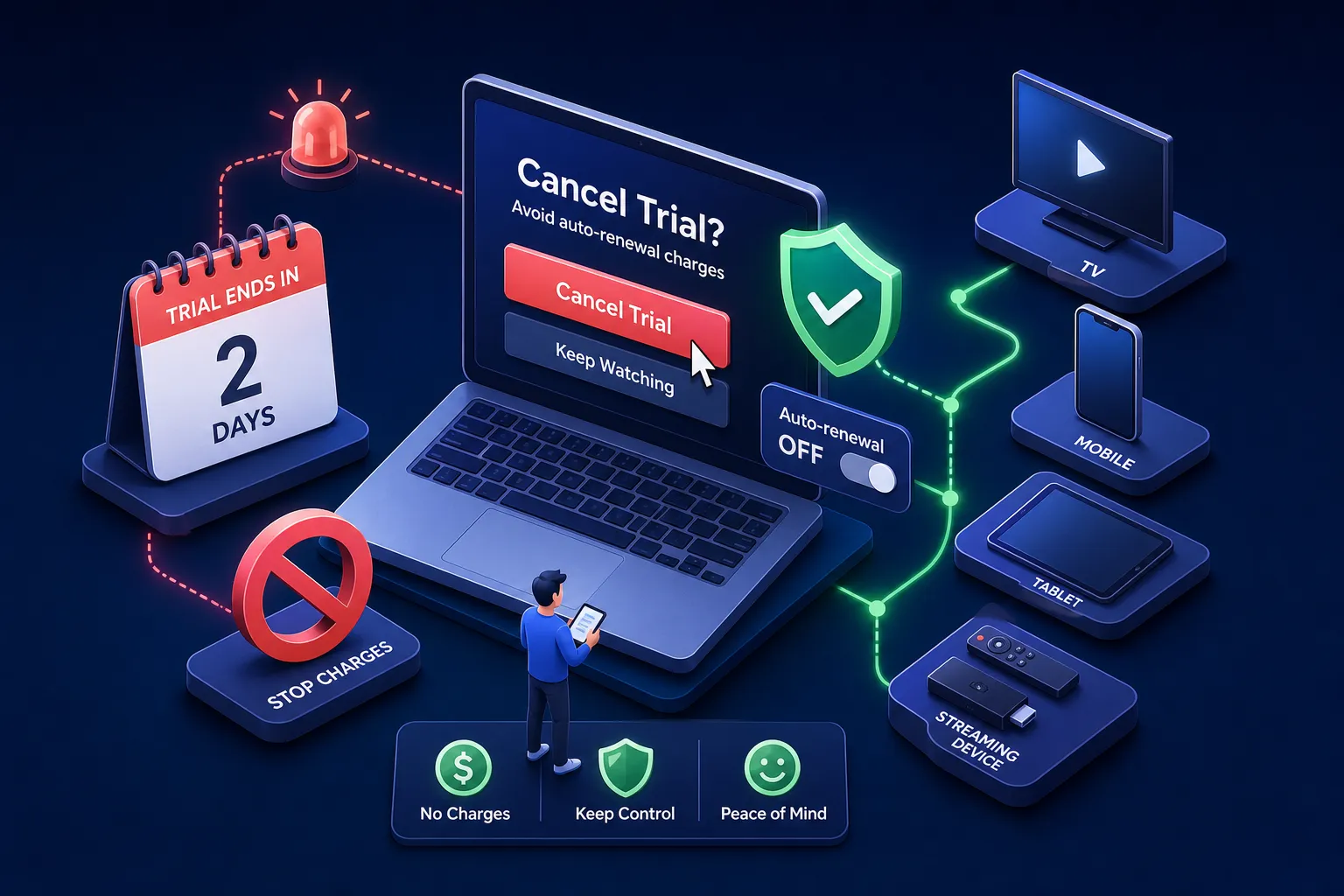
If your streaming subscription was purchased through Apple’s App Store, you can manage it through your Apple Account.
Open Settings on your iPhone or iPad, tap your name and select Subscriptions.
Find the streaming service, open its subscription details and select Cancel Subscription.
Apple states that if there is no cancellation button or the subscription displays an expiration message in red, it has already been canceled.
This process applies to subscriptions billed through Apple.
If you downloaded a streaming app from the App Store but subscribed directly on the provider’s website, the subscription may not appear in your Apple settings.
In that case, check the provider’s account page and your original purchase receipt.
What if the Subscription Is Missing?
You may be signed in to a different Apple Account.
Search your email for Apple’s original subscription receipt and check which account was used.
If the receipt came from another company rather than Apple, contact that billing provider instead.