
Canva Free is already capable enough to create presentations, social posts, posters, resumes and basic marketing graphics.
So why pay for Canva Pro?
The answer is usually not that Pro suddenly makes you a better designer. Its value comes from saving time, removing repetitive work and giving frequent creators access to a larger library of premium assets and productivity tools.
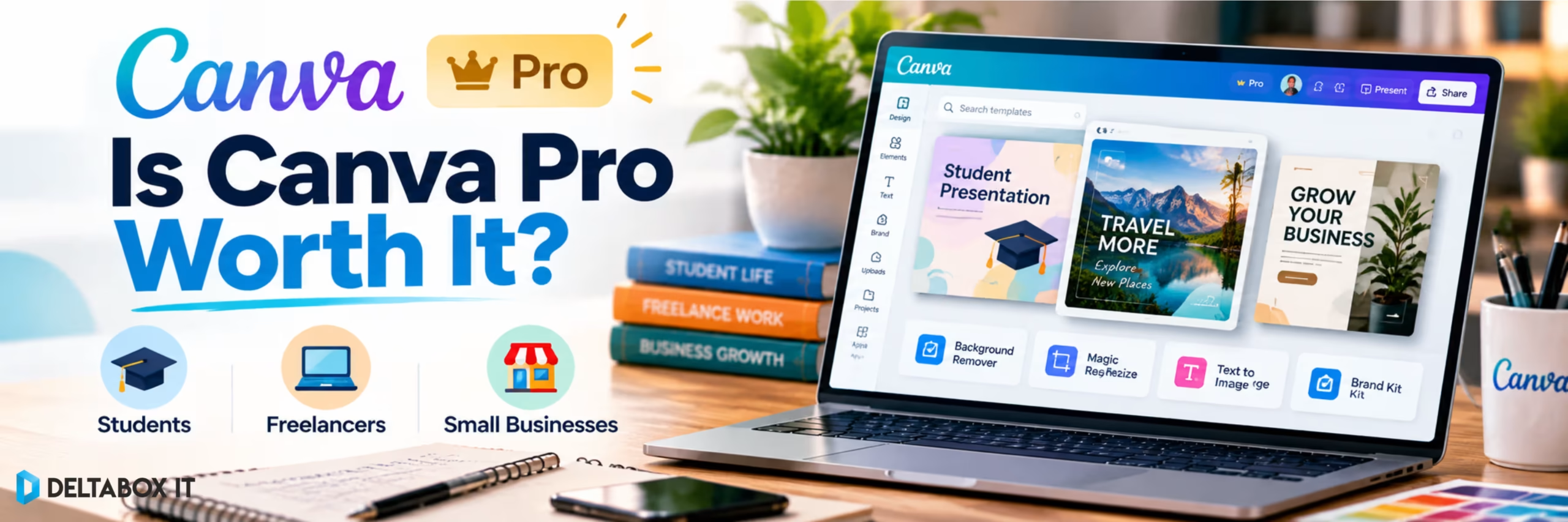
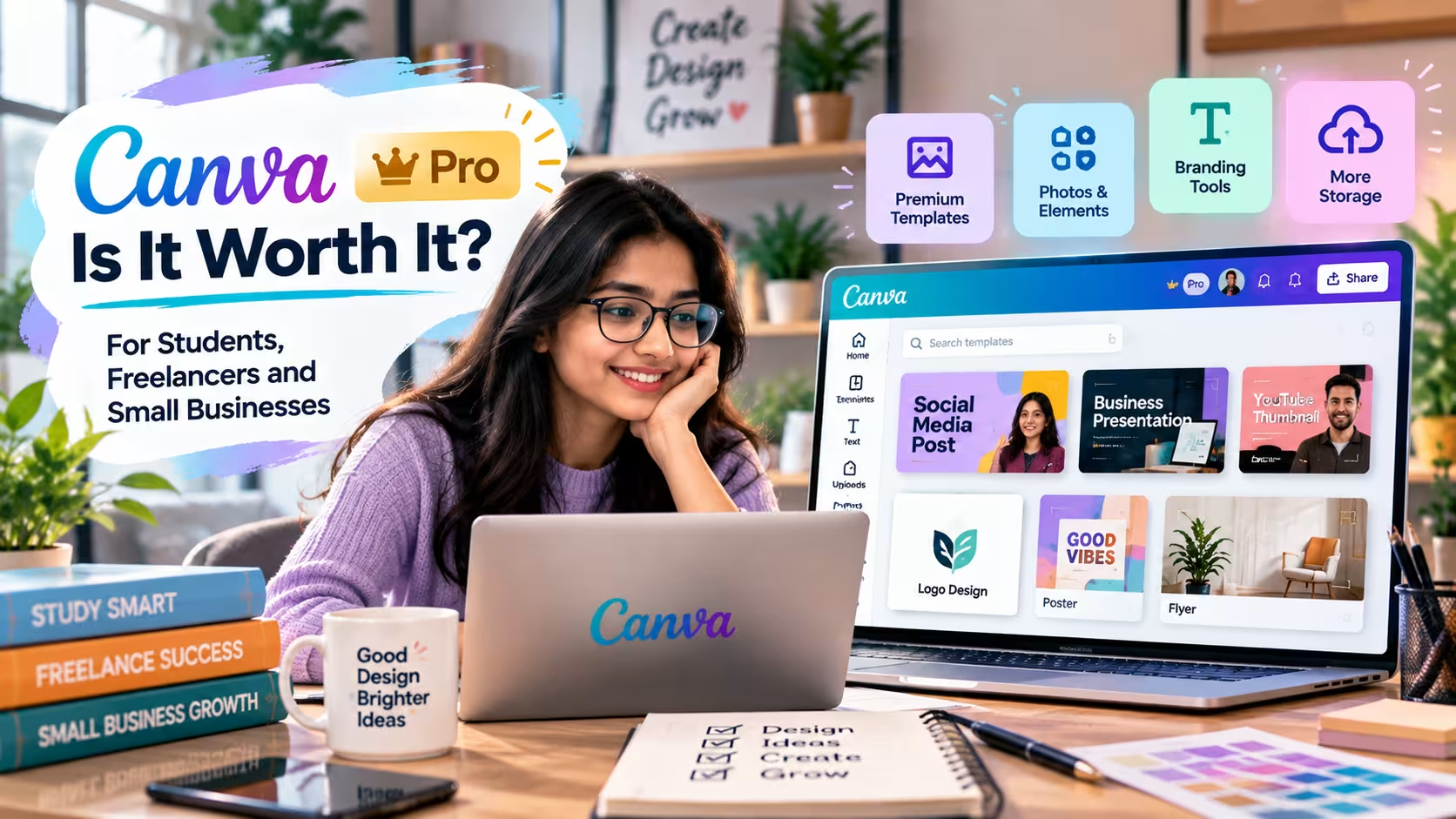
Canva currently positions Pro primarily for solo creators. It includes premium content, Brand Kit, Background Remover, Magic Resize, AI-assisted tools, social scheduling and other workflow features beyond the Free plan. Canva Pro
For someone who designs twice a month, Free may be completely adequate.
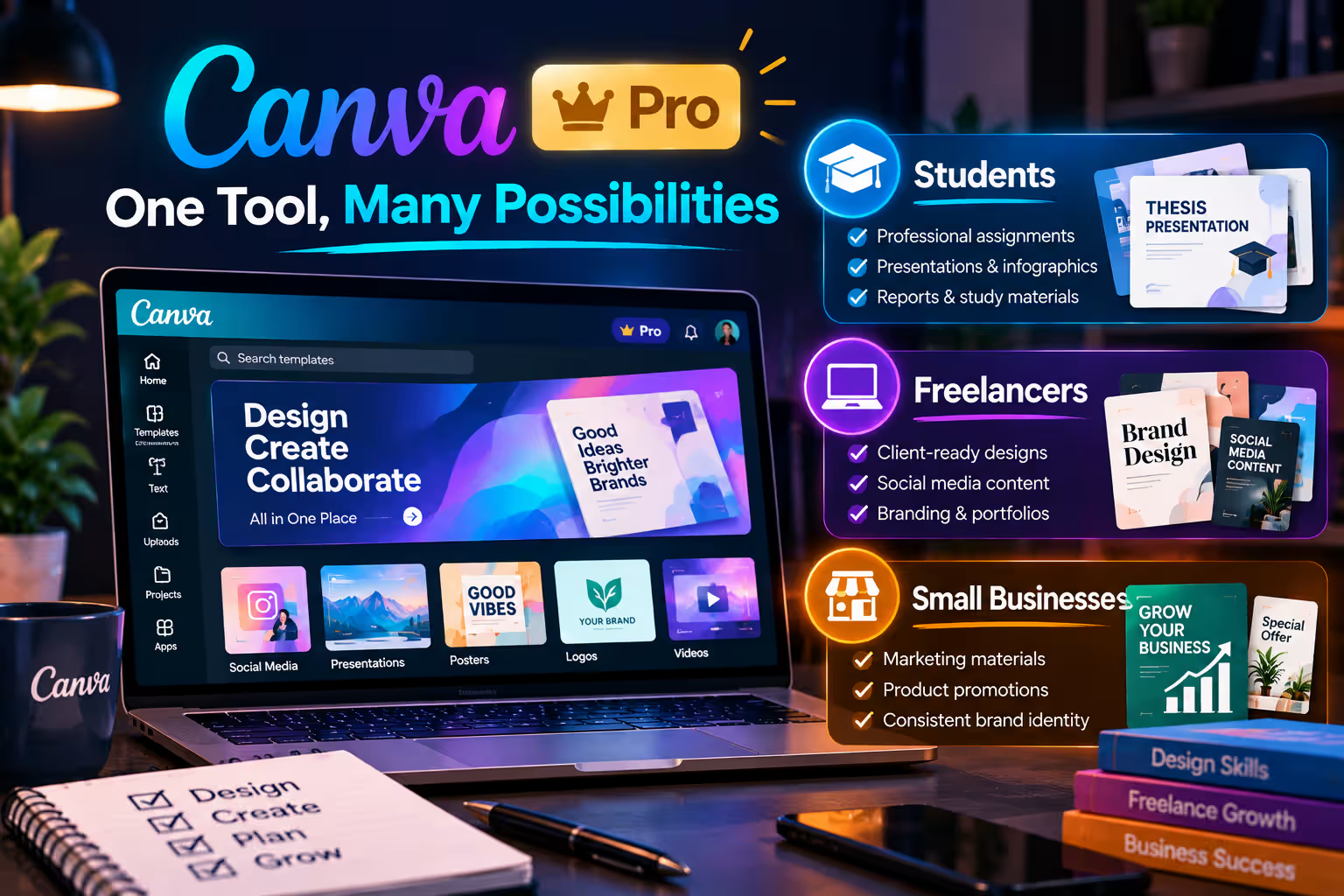
For a freelancer producing client graphics every day, a student creating frequent presentations, or a solo business owner managing content across several channels, the calculation can be very different.
This guide looks at whether Canva Pro is worth it for each type of user—and when staying with Free is the smarter choice.
Quick Answer: Who Actually Needs Canva Pro?
| User | Is Pro Worth Considering? | Main Reason |
|---|---|---|
| Occasional student designer | Usually not necessary | Canva Free handles basic projects |
| Student creating frequent presentations/content | Possibly | Premium assets and faster editing |
| Freelancer | Often yes | Faster client production and premium resources |
| Social media manager | Often yes | Resize, Brand Kit and scheduling |
| Solo small-business owner | Often yes | Consistent brand content without a designer for every task |
| Multi-person business team | Compare Canva Business | Pro is primarily designed for solo use |
| Advanced professional designer | Useful companion, not always replacement | Canva prioritises speed over specialist design control |
The practical rule is simple:
Canva Pro becomes valuable when the time it saves is worth more than the subscription itself.
What Does Canva Pro Add Over Canva Free?
The difference is larger than simply unlocking more templates.
Canva Pro currently includes access to its premium content library, Background Remover, transparent-background exports, Brand Kit, social scheduling and Magic Resize. Canva also includes higher-tier AI and image-editing functionality within its paid ecosystem. Canva Background Remover
Magic Resize is especially useful for repetitive marketing work. Instead of recreating one design manually for Instagram, Facebook, LinkedIn and another format, you can adapt an existing design to different dimensions more quickly.
Brand Kit addresses another common problem: inconsistency.
You can store logos, colours and fonts and apply them across designs rather than repeatedly looking up brand specifications. Canva Brand Kit
None of these features is essential for creating a design.
Their purpose is to reduce friction when design becomes a recurring activity.
Is Canva Pro Worth It for Students?
For many students, Canva Free is enough.
If you mainly create one presentation every few weeks, design a resume or make an occasional academic poster, paying for Pro may solve a problem you do not actually have.
The situation changes for students who create frequently.
A student involved in university clubs, competitions, portfolio projects, social media, freelancing or presentation-heavy coursework may benefit from premium templates, stock imagery, Background Remover and faster resizing.
The main mistake is assuming that all students automatically qualify for Canva Education.
They do not.
Canva currently states that Canva Education is designed for eligible K–12 teachers and students. College and university students are not individually eligible for Canva Education under the standard eligibility guidelines. Higher-education institutions can instead explore Canva’s separate Campus offering. Canva Education Eligibility
That distinction is particularly important for university students comparing Free and Pro.
When Pro Makes Sense for a Student
Consider upgrading if you regularly create presentations, portfolio material, event graphics, student-club content or freelance designs and repeatedly use features that Free restricts.
If all you need is clean slides and simple posters, stay with Free.
Canva Pro should improve your workflow—not become another subscription you barely use.
Is Canva Pro Worth It for Freelancers?
Freelancers are one of the clearest use cases for Canva Pro.
The reason is productivity.
Suppose you manage social content for three clients. Each client has different colours, fonts and logos, and each campaign requires graphics in several sizes.
With a free workflow, you may spend extra time finding assets, removing backgrounds manually and rebuilding dimensions.
With Pro, Brand Kit can help maintain visual consistency, Magic Resize can adapt designs, and the premium content library gives you more stock media and design elements to work with. Canva Background Remover
Background Remover is also useful for product images, profile photos and promotional graphics where you need a clean transparent subject without switching to another application.
For a freelancer, the question therefore becomes less about the number of Pro features and more about billable time.
If premium tools save even a few minutes across dozens of client designs, the productivity benefit can accumulate quickly.
However, freelancers still need to understand Canva’s content licensing rules. A Pro subscription does not mean every asset can be redistributed independently or used without restrictions. Commercial work should follow Canva’s applicable content licence.
Canva is also not a complete replacement for specialist software when a client requires advanced vector editing, detailed photo manipulation or production-grade layout controls.
Think of Pro as a fast visual-production environment rather than a substitute for every professional design application.
Is Canva Pro Worth It for Small Businesses?
For a solo business owner, Canva Pro can be practical.
A small ecommerce seller may need product graphics, Facebook posts, promotional banners and simple presentation material every week.
Hiring a designer for every minor update may not be practical.
Canva Pro allows the owner or marketer to keep commonly used brand assets together and create routine content without starting from zero each time.
The Social Content Planner can also schedule supported social-media content from Canva, reducing the need to export every design and manually post it separately.
But businesses need to understand an important 2026 plan change:
Canva Pro is primarily the solo plan. Canva Business is now Canva’s current offering for growing teams.
Canva states that the former Canva Teams plan is no longer available for new subscriptions or upgrades. New customers who need team management, shared workspaces and broader collaboration should evaluate Canva Business instead. Canva Help
A Pro user can still share individual designs for viewing, comments or editing, but Canva notes that Pro users cannot create or expand a team in the same way as Canva Business subscribers. Canva Help
So the decision is:
| Business Situation | Better Direction |
|---|---|
| One owner creating marketing content | Canva Pro |
| Freelancer working independently | Canva Pro |
| One marketer managing a small brand | Canva Pro may be enough |
| Several employees need shared team access | Canva Business |
| Large organisation with governance/security needs | Canva Enterprise |
For small businesses, Pro is therefore strongest as a solo marketing and content-production tool, not as a complete team-management platform.
Which Canva Pro Features Create the Most Practical Value?
Not every user needs every premium feature.
The features with the clearest everyday impact are usually Brand Kit, premium assets, Background Remover and Magic Resize.
Brand Kit matters when you create repeatedly for the same brand. Background Remover saves time when preparing product or promotional images. Magic Resize is useful when the same campaign needs several formats.
The premium library reduces time spent searching elsewhere for usable photos, graphics, video and audio.
Canva’s AI features can also accelerate first drafts, visual concepts and editing. Current Pro tools include capabilities such as Magic Write, Magic Edit, Magic Eraser and other AI-assisted creation features, although usage limits and availability remain subject to Canva’s current plan rules. Canva Pro
The value comes from combining these features into one workflow.
Canva Pro vs Free: When Should You Upgrade?
Do not upgrade because a template has a crown icon.
Upgrade when Free creates recurring friction.
For example, you may repeatedly need to remove backgrounds, resize the same campaign for five channels or keep several client brands consistent.
Those are workflow problems Pro can address.
On the other hand, if you mostly use free templates, upload your own photos and create one design at a time, Pro may not materially change your results.
A useful decision test is:
Which Pro feature would I use every week?
If you cannot name one, remain on Free.
If you can name several, paid access becomes easier to justify.
Is Canva Pro Enough for Professional Design?
It depends on the work.
Canva is particularly effective for social content, presentations, advertisements, thumbnails, simple video, posters, marketing documents and template-based visual communication.
It becomes less suitable when the project requires detailed vector construction, sophisticated image compositing, complex prepress work or highly specialised production control.
A graphic designer may therefore use Canva alongside tools such as Adobe applications rather than choosing one platform for every project.
For users comparing a broader creative stack, DeltaBox IT’s Design & Creative Tools collection provides additional options.
Using Canva Pro in Bangladesh
Bangladesh users who need Canva’s paid functionality can either subscribe through Canva’s supported direct options or consider locally available third-party access.
DeltaBox IT currently lists a Canva package activated using the customer’s own Canva email. The live product card describes the access as being provided under a Canva Education team, with premium features subject to the team’s available permissions. DeltaBox IT Canva access package
That detail matters because official Canva Pro and Canva Education are distinct Canva offerings.
Customers should therefore review the live package description and access limitations rather than assuming that a team-based educational activation is identical to purchasing a standalone Canva Pro subscription directly from Canva.
The current DeltaBox listing also notes an important limitation: external design links may not be accessible while connected to the supplied team. DeltaBox IT Canva access package
You can review the current Canva access package from DeltaBox IT for its current duration, activation method, team conditions and warranty terms.
For entrepreneurs evaluating other AI-assisted workflows, see DeltaBox IT’s AI Tools for Small Business Owners in Bangladesh guide.
DeltaBox IT is an independent third-party digital-product provider and does not own or operate Canva.
Frequently Asked Questions
Is Canva Pro Worth It for Students?
It can be if you create designs frequently and regularly need premium assets, background removal, resizing or other paid tools. Students with occasional design needs can often remain on Canva Free.
Do University Students Get Canva Pro Free?
Not through standard Canva Education eligibility. Canva states that individual college and university students are not eligible for the K–12 Canva Education program. Higher-education access may instead be provided through an institution using Canva for Campus. Canva Education Eligibility
Is Canva Pro Worth It for Freelancers?
Often, particularly for freelancers who create client content frequently. Brand Kit, premium assets, Background Remover and resizing can reduce repetitive production work.
Is Canva Pro Suitable for Small Businesses?
Yes for many solo owners and marketers. Businesses that need formal team management should also compare Canva Business, which Canva now positions for individuals and growing teams requiring collaboration and stronger business controls. Canva Business
Does Canva Pro Replace a Professional Designer?
No. It makes routine design work more accessible and efficient, but strong branding, composition and specialist production still require design judgment and, in some cases, professional software or expertise.
Final Thoughts
Canva Pro is worth it when design has become a recurring workflow rather than an occasional task.
Students who only create basic presentations can usually stay with Free.
Freelancers who produce client content every week can gain substantial value from faster resizing, premium assets, background removal and brand tools.
Solo small businesses can use Pro to produce consistent marketing content more efficiently, while teams should compare Canva Business before assuming the individual Pro plan is the right organisational solution.
The strongest reason to upgrade is therefore not access to more templates.
It is saving enough time and repetitive effort to make the premium workflow genuinely useful.