
WooCommerce can run a complete online store without Elementor Pro. You can add products, manage inventory, configure payments and shipping, and let your WordPress theme handle the storefront.
So why do many WooCommerce stores add Elementor Pro?
Usually because they want more control over product pages, shop archives, cart, checkout and campaign pages without editing theme files or building custom templates from code.
Elementor Pro’s WooCommerce Builder lets you create reusable products and archive templates with WooCommerce-specific widgets. It also includes Cart and Checkout widgets, while Theme Builder can control wider site templates.
That can be valuable for branded or conversion-focused stores. But if your theme already gives you the layouts you need, Elementor Pro may add complexity without solving a real problem.
This guide explains when Elementor Pro for WooCommerce is useful, when standard WooCommerce is enough, and what to consider before upgrading.
Quick Answer: Do You Need Elementor Pro for WooCommerce?
| Situation | Better Choice | Why |
|---|---|---|
| Small store with a good WooCommerce theme | Standard WooCommerce may be enough | Theme already handles the core layouts |
| Need custom product pages | Elementor Pro | Visual Single Product templates |
| Need custom shop/category pages | Elementor Pro | Product Archive templates |
| Want a branded cart or checkout | Elementor Pro | Dedicated Cart and Checkout widgets |
| Need campaign landing pages | Elementor Pro | More visual control and WooCommerce widgets |
| Need subscriptions, bookings or advanced shipping | Separate WooCommerce extension may still be needed | Elementor mainly controls presentation |
The key distinction is simple: WooCommerce runs the store; Elementor Pro gives you more control over how that store is presented.
What Does Elementor Pro Add to WooCommerce?
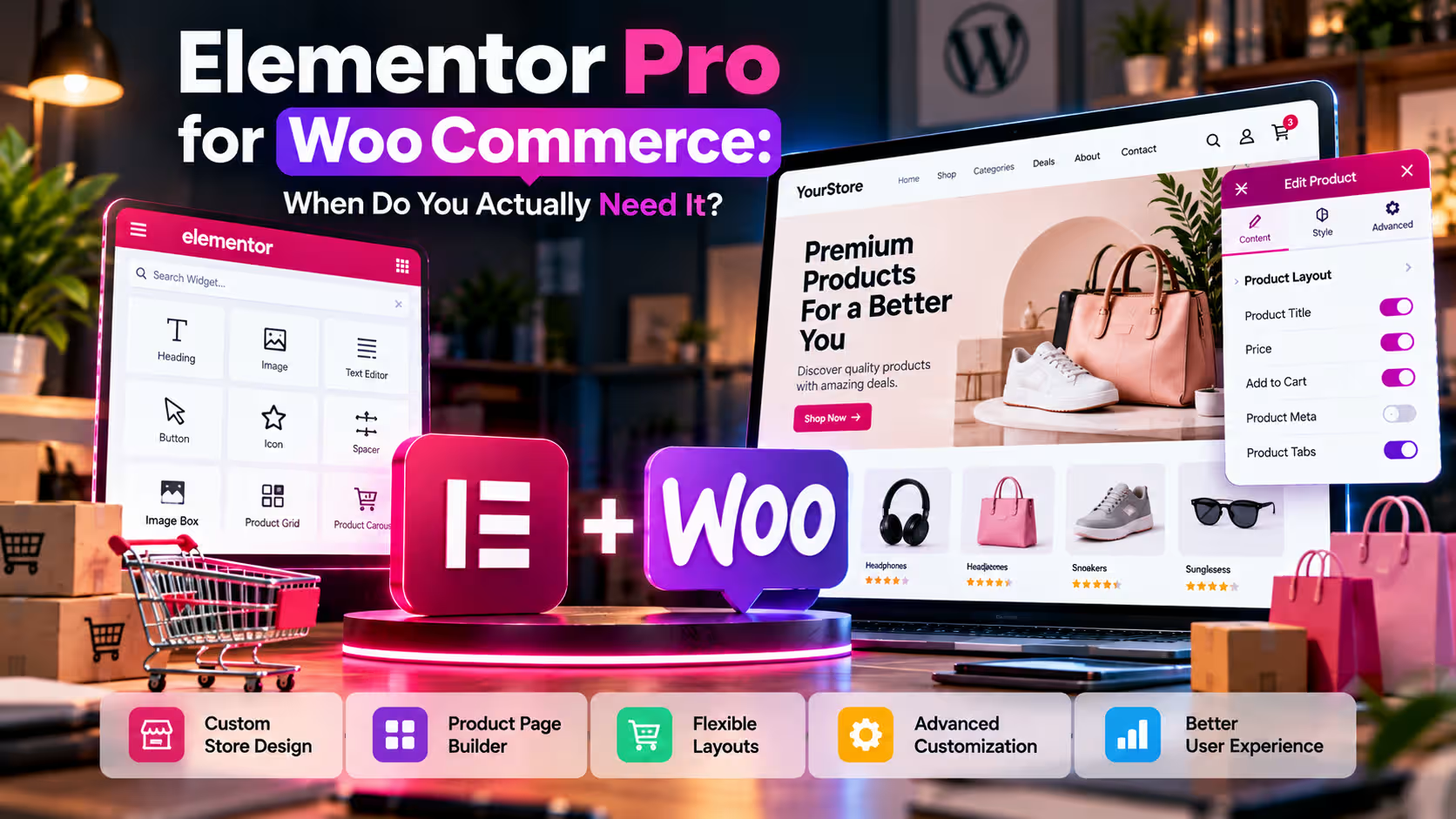
Elementor’s WooCommerce Builder lets you design dynamic store templates instead of relying entirely on your theme’s default layouts.
For Single Product templates, Elementor provides widgets for product title, images, price, rating, stock, Add to Cart, product meta, descriptions, data tabs, upsells and related products. You can build a template once and use display conditions to decide where it applies.
Elementor also supports Product Archive templates for shop and category pages. Its Products widget can display items using queries such as latest products, sale items, featured products, related products, upsells and manually selected products. Elementor Help
In other words, Elementor does not replace WooCommerce. It adds a visual layer for controlling the customer-facing experience.
1. You Need Custom Product Pages
This is one of the clearest reasons to use Elementor Pro for WooCommerce.
A default WooCommerce product page is functional, but the exact design depends heavily on the active theme. That may be fine for a simple shop.
It becomes limiting when product presentation is part of the sales strategy.
A fashion store may want larger imagery, size information and trust messages close to the Add to Cart button. A software store may need compatibility information, feature blocks and FAQs. A higher-value product may need testimonials or reassurance before purchase.
With Elementor’s Single Product Builder, you can create a reusable template using dynamic WooCommerce data rather than designing every product separately. This is particularly useful when you have many products but want them to follow one consistent branded structure. Elementor Help
2. Your Shop and Category Pages Need Better Merchandising
WooCommerce product archives include the main shop, categories and other product listings.
Many stores leave these pages almost entirely to their theme. That works when customers already know what they want, but it can feel restrictive when browsing and product discovery matter.
Elementor lets you create Product Archive templates and style product grids, sorting, result counts and other archive elements. Elementor Help
For example, instead of using one generic category grid, you could add a short buying guide and a more deliberate product layout.
This becomes particularly useful when different categories need different presentation styles or when merchandising is important to the shopping journey.
3. You Want More Control Over Cart and Checkout
Cart and checkout pages sit very close to conversion, so visual inconsistency is more noticeable there.
Elementor Pro includes dedicated WooCommerce Cart and Checkout widgets. The Cart widget lets you adjust layout, labels, typography and sections, while the Checkout widget provides visual control over layout, field labels, placeholders and styling. Elementor Help
This is useful when the default WooCommerce checkout looks disconnected from the rest of the website.
However, design flexibility should not encourage unnecessary complexity. Checkout pages should remain fast, easy to scan and clear about the next action.
Elementor controls presentation. WooCommerce and your payment, shipping, tax or checkout extensions still control the underlying ecommerce logic.
That distinction is important. A visually redesigned checkout does not automatically add new payment methods, shipping rules or business functionality.
4. You Build Campaign or Product Landing Pages
Some stores rely heavily on dedicated landing pages rather than sending every visitor to a standard product page.
This is common for paid campaigns, seasonal offers, flagship products and focused promotions.
Elementor is useful here because WooCommerce elements can be combined with a broader visual page-building system. You can place selected products, Add to Cart controls, testimonials, FAQs, lead forms and calls to action inside one custom layout.
Elementor Pro also includes Theme Builder, Form Builder, Popup Builder, dynamic content and WooCommerce-specific widgets within its Pro ecosystem. Elementor currently describes its WooCommerce Builder as a way to control product pages, shop archives and other store experiences, with more than 20 WooCommerce-specific widgets.
For ecommerce marketers, this can be more convenient than trying to force every campaign into the standard WooCommerce product-page structure.
When You Probably Do Not Need Elementor Pro
Elementor Pro is not automatically required simply because you use WooCommerce.
If you have a small catalogue, like your theme’s product-page design and do not need custom archive, cart or checkout templates, the standard WooCommerce setup may be enough.
Every major plugin adds another component to maintain, update and test. If Elementor does not solve a specific design or workflow problem, it may simply make the stack more complicated.
A better question is:
Which store page can I not build or manage efficiently with my current setup?
If you cannot identify one, you may not need Elementor Pro yet.
A simple store with a strong WooCommerce-compatible theme can often operate effectively without introducing another page-building system.
Elementor Pro Does Not Replace WooCommerce Extensions
Elementor Pro mainly improves presentation and template control. It does not replace the wider WooCommerce extension ecosystem.
You may still need separate tools for subscriptions, memberships, bookings, advanced shipping, specialised product options or particular payment workflows.
For example, Elementor can visually customize checkout, but it does not create a subscription-billing system by itself.
Think of the stack in three layers:
WooCommerce handles the core store. Elementor Pro controls much of the visual experience. Specialist extensions add business-specific functionality.
Keeping those roles separate prevents unrealistic expectations about what a page builder can do.
What About WooCommerce Performance?
Elementor adds another page-building layer, but performance still depends on hosting, theme quality, images, scripts, caching, plugins and implementation.
Avoid oversized images, excessive animations and unnecessary third-party scripts. Test product, cart and checkout pages on mobile as well as desktop.
Design flexibility is useful only if the shopping experience remains fast and usable.
For an ecommerce site, a visually impressive page that creates friction on mobile or slows down checkout is not an improvement.
Elementor Free vs Pro for WooCommerce
Elementor Free can still be useful around a WooCommerce store. You can build standard pages such as About, Contact or simple promotional pages.
The difference becomes important when you want Elementor to control dynamic WooCommerce templates and deeper ecommerce layouts.
WooCommerce Builder, Theme Builder and the dedicated ecommerce features discussed above are part of Elementor’s Pro offering.
If your question is broader than ecommerce, read DeltaBox IT’s Elementor Free vs Pro comparison.
You can also compare another visual-builder approach in the Elementor vs Divi guide.
For a wider WordPress stack, see the Best WordPress Plugins & Tools guide.
Elementor Pro for WooCommerce in Bangladesh
For Bangladesh-based users who decide Elementor Pro fits their store, DeltaBox IT currently provides Elementor Pro activation for one WordPress domain.
The current package includes original license activation and official automatic updates throughout the stated validity period. DeltaBox IT handles activation through temporary WordPress access; no standalone license key or code is shared. The activated domain cannot be changed or transferred under the current package conditions.
Delivery is listed as 1–12 hours during working hours, with full-period warranty coverage under the current product terms. Check the live product page for validity, activation requirements, renewal conditions and availability before ordering.
DeltaBox IT is an independent third-party digital-product provider and does not own or develop Elementor, WooCommerce or WordPress.
Frequently Asked Questions
Do I Need Elementor Pro to Use WooCommerce?
No. WooCommerce works without Elementor Pro. Pro becomes useful when you want greater visual control over product templates, archives, cart, checkout and campaign pages.
Can Elementor Pro Customise WooCommerce Product Pages?
Yes. WooCommerce Builder supports dynamic Single Product templates using widgets for images, price, stock, Add to Cart, descriptions, related products and other WooCommerce data. Elementor Help
Can Elementor Pro Customize WooCommerce Checkout?
Yes. Elementor provides a Checkout widget for visual layout and styling. It does not replace WooCommerce’s payment, shipping or checkout logic. Elementor Help
Is Elementor Pro Worth Using on a Small Store?
Sometimes, but not automatically. If your theme already provides suitable product and checkout layouts, keeping the existing setup may be simpler.
Final Thoughts
Elementor Pro is most useful for WooCommerce when your store design has outgrown what the theme can comfortably provide.
Use it when you need custom product templates, stronger category presentation, branded cart and checkout pages or campaign landing pages that are difficult to create with your current setup.
Skip it when your current theme already handles those jobs well.
The strongest reason to add Elementor Pro is not that it has more features. It is that those features solve a real design or workflow limitation.
If that limitation exists, Elementor Pro can give you much more control over the WooCommerce experience without requiring a custom theme. If it does not, keeping the store simpler may be the better choice.