
ChatGPT and Gemini are two of the most capable general-purpose AI assistants available today.
Both can explain difficult topics, improve writing, analyse files, search current information, generate images and help with everyday productivity.
But they do not feel identical in use.
ChatGPT is particularly strong as a flexible AI workspace for reasoning, writing, analysis and multi-step problem solving.
Gemini becomes especially useful when your workflow already revolves around Google services such as Gmail, Drive, Docs and Calendar.
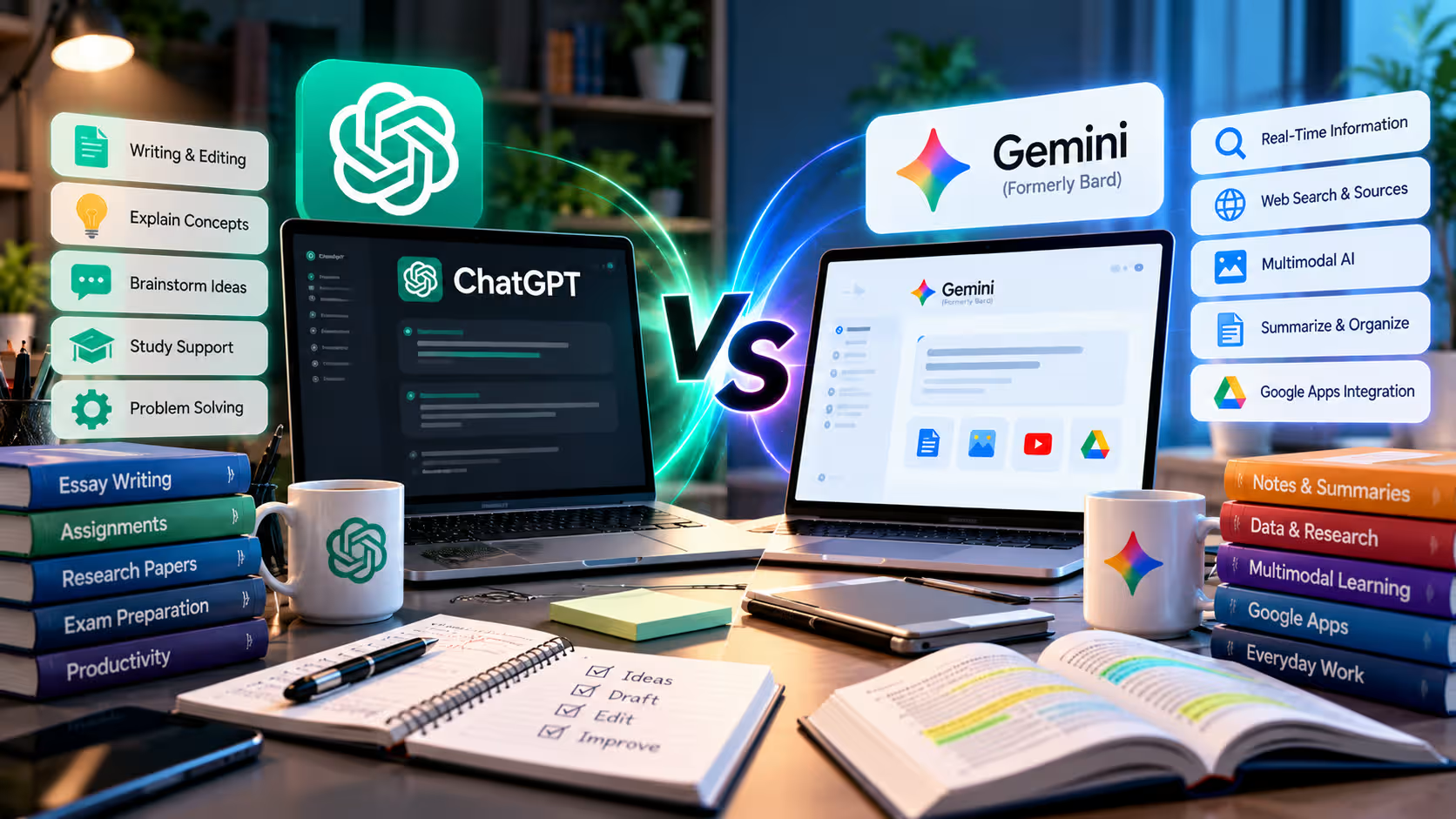
For students, the difference can be even more practical. ChatGPT offers a dedicated Study Mode that can teach step by step, while Gemini provides Guided Learning and deep integration with Google’s learning and productivity ecosystem.
So the useful ChatGPT vs Gemini question is not simply:
Which AI is smarter?
It is:
Which one fits the way you study, write and work every day?
Quick Answer: ChatGPT or Gemini?
| Your Main Need | Better Starting Point |
|---|---|
| General AI assistant | ChatGPT |
| Step-by-step study support | Both |
| Long-form writing and editing | ChatGPT |
| Gmail, Drive and Calendar workflows | Gemini |
| File and document analysis | Both |
| Complex reasoning and planning | ChatGPT |
| Google ecosystem productivity | Gemini |
| Research with web sources | Both |
| Coding assistance | Both |
| Image generation | Both |
| Already use Google services heavily | Gemini |
| Want one flexible standalone AI workspace | ChatGPT |
For most users, both are capable enough for everyday tasks. The better choice depends on the surrounding workflow.
ChatGPT vs Bard: What Changed?
If you still search for ChatGPT vs Bard, Bard is the old name.
Google rebranded Bard as Gemini as its AI models, apps and premium plans evolved.
Today, Gemini is much broader than the original Bard chatbot. It includes file analysis, Deep Research, image generation, Guided Learning, connected Google apps and other productivity features.
So modern comparisons should focus on ChatGPT vs Gemini, not the older Bard experience.
The old search term remains useful because many users still remember Google’s assistant by its former name, but the current Gemini product is significantly more capable.
Which Is Better for Students?

Both platforms now have dedicated learning experiences rather than simply generating answers.
ChatGPT includes Study Mode, which can guide students through a topic step by step, ask questions, check understanding and create practice exercises.
Instead of asking:
Solve this statistics problem.
You can ask:
Guide me through this problem one step at a time. Ask me what I think the first step should be before explaining it.
That turns ChatGPT into more of a tutor than an answer generator.
Gemini offers Guided Learning, which follows a similar philosophy. It can explain concepts interactively and work with uploaded files or images.
For example, a student could upload lecture notes and ask:
Teach me the main concepts from this chapter. After each concept, ask me one question to check whether I understood it.
Both are useful for exam preparation, explanations and practice.
ChatGPT may feel stronger when you want a longer conversational tutoring session.
Gemini can be particularly convenient if your study material already lives inside Google Drive or other Google services.
For students, the winner is therefore close.
Which Is Better for Writing?
ChatGPT has a slight advantage for users whose main workflow is writing, rewriting and refining ideas.
It works well for:
- Blog drafts
- Professional emails
- Reports
- Outlines
- Brainstorming
- Rewriting for tone
- Summarising complex material
- Editing structure and clarity
The main strength is iterative editing.
You can ask ChatGPT to create a draft, make it shorter, adjust the tone, identify weak sections and rewrite only the parts that need improvement.
Gemini can perform these tasks too.
Its biggest writing advantage appears when the content already exists inside Google’s ecosystem. If you regularly work with Gmail, Docs or Drive, Gemini can reduce the friction between finding information and using it.
For example:
Find the latest project information in my Drive and help me draft an update.
For standalone writing and repeated revision, ChatGPT has the edge.
For writing connected to existing Google content, Gemini becomes extremely practical.
ChatGPT vs Gemini for Research
Both can search current information and conduct deeper research.
ChatGPT supports web search and more advanced Deep Research workflows that can investigate several sources before producing a structured result.
Gemini also offers Deep Research. Google Search is available as a research source, and eligible users can also bring in information from connected services such as Drive or Gmail.
Suppose you are researching:
How is generative AI changing university education?
Both tools can investigate the topic.
ChatGPT may be particularly useful if the next step is:
Compare the evidence, identify disagreements and turn the findings into a strategic report.
Gemini becomes attractive if the research needs to combine external information with documents already stored in your Google environment.
The important rule for both platforms is the same:
Open important sources yourself.
AI-generated research can save time, but it can still misinterpret a source or present incomplete information.
Which Is Better for Files and PDFs?
Both ChatGPT and Gemini can work with uploaded documents.
You can upload PDFs, spreadsheets and other supported files and ask questions about their contents.
For example:
Summarise the main findings in this report and identify the three biggest risks.
Or:
Analyse this spreadsheet and explain the most important trends.
ChatGPT is useful when the file is part of a broader analysis workflow. You might analyse a spreadsheet, investigate possible causes and then develop recommendations in the same conversation.
Gemini has a strong advantage when files already live in Google Drive.
Gemini also supports a wide variety of uploads, including documents, spreadsheets, images, videos, code folders and supported GitHub repositories.
Paid Google AI plans expand some file-analysis limits, including larger context for substantial documents.
For ordinary PDF and spreadsheet analysis, either is a strong choice.
The Google Ecosystem Advantage
This is Gemini’s clearest differentiator.
Gemini can connect with supported Google services such as Gmail, Drive, Calendar, Keep, Tasks and other Workspace products when account settings allow it.
For example:
Find the recent emails about the client launch and summarise the decisions.
Or:
Check my calendar and identify the free periods I have tomorrow.
Or:
Find the relevant project document in Drive and summarise the latest version.
ChatGPT can work with files, apps and connected services too, but Gemini’s relationship with Google’s own ecosystem is much more native.
If you already spend most of your working day inside Gmail, Drive and Calendar, that integration can matter more than small differences in answer quality.
Which Is Better for Everyday Work?
For general productivity, ChatGPT is often easier to treat as one central AI workspace.
You can move between writing, reasoning, files, planning, data analysis and research without changing the basic environment.
That works well for freelancers, analysts, marketers, content writers and professionals whose tasks vary throughout the day.
Gemini is especially efficient for users whose work already follows a Google-based workflow.
Consider two examples.
A freelancer needs to analyse a client brief, develop campaign ideas, rewrite landing-page copy and review a spreadsheet.
ChatGPT may feel more natural.
A manager needs to summarise Gmail threads, inspect Drive documents, prepare an update and check Calendar.
Gemini has the stronger ecosystem advantage.
Neither platform owns every productivity use case.
ChatGPT vs Gemini for Coding
Both can explain code, troubleshoot errors and help plan software.
ChatGPT is particularly useful when coding is part of a broader reasoning conversation. You can discuss architecture, inspect code, troubleshoot errors and compare implementation strategies.
Gemini supports code analysis as well and can work with uploaded code folders and supported GitHub repositories.
Google also connects Gemini with a growing developer ecosystem.
For students learning programming, either can explain concepts effectively.
For serious development work, evaluate the tool against your actual languages, repository size and preferred development environment rather than assuming one assistant will always produce better code.
AI-generated code should still be tested before deployment.
Which Is Better for Images and Creative Work?
Both platforms can generate images from prompts.
Gemini supports image generation and editing inside Gemini Apps and is connected to Google’s broader creative AI ecosystem.
ChatGPT also provides strong image-generation and editing capabilities within conversational workflows.
Gemini gains an advantage for users interested in Google’s video and creative tools, while ChatGPT is convenient when visual creation is part of a wider writing, analysis or brainstorming session.
For occasional image creation, either may be sufficient.
For a dedicated creative workflow, evaluate the specific image or video features you need rather than choosing solely based on the chatbot.
Free vs Paid: Do You Need to Upgrade?
Both ChatGPT and Gemini provide capable free experiences.
Start there.
Upgrade when you can identify a recurring limitation.
For ChatGPT, paid plans become more relevant when you need higher limits, stronger reasoning or heavier file and professional workflows.
For Gemini, Google AI Pro becomes more useful when you need higher usage capacity, larger file workflows, additional research access or broader Google AI benefits.
Do not upgrade simply because the paid feature list is longer.
A better question is:
Which limitation is currently stopping me from completing useful work?
If you do not have an answer, the free plan may still be enough.
ChatGPT and Gemini in Bangladesh
Bangladesh users who decide they need paid ChatGPT access can review the current ChatGPT Plus subscription available through DeltaBox IT.
DeltaBox IT currently offers personal ChatGPT Go and Plus options rather than positioning them as shared ChatGPT accounts. Review the live page for the current plan, validity and activation conditions.
For users who prefer Google’s ecosystem, DeltaBox IT also provides Google AI Pro / Gemini AI access on the customer’s own eligible Gmail through its supported activation model.
The two packages solve different needs.
Choose ChatGPT when the AI assistant itself is the centre of your workflow.
Choose Gemini when AI needs to fit naturally around Google apps and services you already use.
You can also compare other AI tools available through DeltaBox IT before deciding.
DeltaBox IT is an independent third-party digital subscription provider and does not own or operate OpenAI, ChatGPT, Google or Gemini.
Frequently Asked Questions
Is ChatGPT Better Than Gemini for Students?
ChatGPT is particularly strong for interactive tutoring through Study Mode. Gemini offers Guided Learning and may be more convenient for students already using Google Drive and other Google services. Both are capable study assistants.
Is Gemini the Same as Google Bard?
Gemini replaced the Bard branding. The current Gemini experience includes significantly more functionality than the earlier Bard chatbot.
Which Is Better for Writing: ChatGPT or Gemini?
ChatGPT is often the stronger choice for iterative writing, rewriting and detailed refinement. Gemini is highly useful when writing depends on information already stored in Google’s ecosystem.
Which Is Better for Research?
Both support web-based research and deeper investigation. ChatGPT is strong for turning research into analysis, while Gemini benefits from Google Search and connected Google sources.
Can ChatGPT and Gemini Analyse PDFs?
Yes. Both support file analysis, although limits and supported file types vary by plan and account.
Final Verdict
Choose ChatGPT when you want a flexible standalone assistant for study, writing, reasoning, research and everyday professional work.
Choose Gemini when Google services are already at the centre of your digital life and you want AI closely connected with Gmail, Drive, Calendar and related tools.
For students, both can work well.
For writers and analysts, ChatGPT often has the stronger workflow.
For users deeply invested in Google’s ecosystem, Gemini can save more friction.
The best choice is therefore not:
ChatGPT or Gemini—which one wins?
It is:
Which assistant fits the work you already do?