


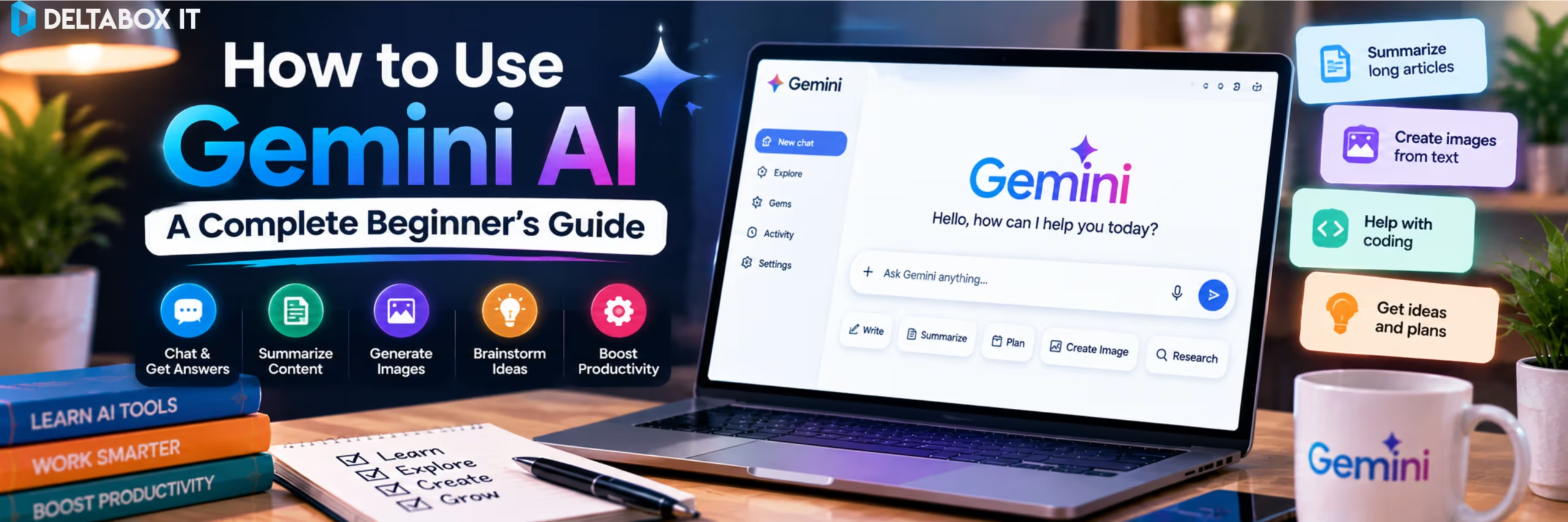

Gemini can explain difficult topics, summarise documents, analyse files, research subjects, create images and work with supported Google services. But beginners often make one mistake: they use Gemini like a traditional search box.
A short prompt may produce an answer, but a well-structured prompt gives Gemini a clearer idea of what you need, who the answer is for and how the result should be presented.
Quick Answer: What Is the Gemini App Used For?
Gemini is Google’s AI assistant for working with information, content, files and supported productivity tools.
| Task | How Gemini Can Help |
|---|---|
| Learn a topic | Explain concepts at different levels |
| Write content | Draft, rewrite and summarise text |
| Study | Create questions and revision material |
| Research | Find and organise information |
| Analyse files | Review documents and spreadsheets |
| Work with Google apps | Use supported Gmail, Drive and Calendar connections |
| Create visuals | Generate and edit images |
| Build projects | Work on documents, slides and code in Canvas |
Gemini can still make mistakes. Important academic, financial, medical, legal or business information should be checked against reliable sources.
1. Start With a Clear Prompt
The easiest way to begin is through the Gemini web app or mobile app. Sign in with your Google Account to access eligible features.
The basic workflow is:
Write a prompt → review the response → ask a follow-up → refine the result.
Instead of asking:
Explain SEO.
try:
Explain SEO to a small-business owner. Cover on-page SEO, technical SEO and backlinks in simple English, then give one example.
A useful prompt formula is:
Task + Context + Requirements + Format
For example:
I am a first-year university student preparing for an accounting exam. Explain assets, liabilities and equity in simple language. Give two examples of each and finish with five practice questions.
You can then ask Gemini to simplify the explanation, test you one question at a time or explain why an answer is incorrect.
2. Use Gemini to Explain and Summarise

One of Gemini’s simplest uses is turning difficult material into something easier to understand.
You might ask:
Explain compound interest to a beginner.
Then follow with:
Now compare it with simple interest in a table.
Gemini can also summarise long text, restructure information or turn an explanation into examples.
However, an understandable answer is not automatically an accurate one. For academic or professional work, verify important facts using textbooks, official documentation or authoritative sources.
This is particularly important when the output contains statistics, academic references, technical instructions or other information where a small factual mistake could affect your work.
3. Upload PDFs, Documents and Spreadsheets
Gemini becomes more useful when you provide your own material.
You can upload supported files and ask questions about their contents. This is useful for lecture notes, reports, research documents and spreadsheets.
For study notes, try:
Read this document and identify the ten most important concepts for exam revision. Use only information from the uploaded file.
For a spreadsheet:
Identify the three most important trends and explain unusual changes in simple language.
For a report:
Summarise the key findings, recommendations and limitations separately.
Focused requests usually work better than asking Gemini to “analyse everything.”
You can also tell Gemini which parts of a file matter most. For example, ask it to focus only on a particular chapter, date range, worksheet or research question.
If file analysis becomes part of your regular workflow and free-plan limits begin getting in the way, compare Google AI Pro / Gemini AI in Bangladesh before upgrading.
4. Use Gemini for Research
Gemini can help with quick research and more detailed investigations.
For a simple question, normal chat may be enough. When a topic requires information from multiple sources, Deep Research can create a research plan, investigate the topic and organise findings into a longer report.
For example:
Research how generative AI is changing customer support for small businesses. Prioritise recent primary and reputable industry sources. Separate established trends from predictions.
AI can reduce the time needed to discover and organise information, but it should not replace source evaluation.
When Gemini provides important claims, open the relevant sources and check whether they actually support the conclusion. This is particularly important for research papers, reports, client work and content where factual accuracy matters.
Students should also follow their university or department rules for AI-assisted research and writing.
5. Connect Gemini With Google Apps
Gemini can be especially useful for people who already work inside Google’s ecosystem.
With the appropriate Google Workspace connection enabled, Gemini can work with supported information from services such as Gmail and Drive and assist with eligible tasks involving Calendar and other connected apps.
For example:
Find the recent emails about the project deadline and summarise the decisions.
Or:
Check my calendar and tell me what meetings I have tomorrow.
This can save time when the information you need is distributed across multiple Google services.
You can also make the request more specific:
Find emails from the marketing team from the last seven days and summarise only the decisions that require action from me.
Clear context helps Gemini distinguish useful information from everything else in the account.
Access depends on account settings and feature availability. Work or university accounts may depend on administrator permissions. Review important information before acting on it, especially when the task involves deadlines or business communication.
6. Use Gemini as a Study Assistant

Students can use Gemini for much more than generating answers.
A better approach is to use it as a tutor.
For example:
I am struggling with probability. Teach me the concept step by step and ask me a simple question after each explanation.
Or:
Do not give me the final answer immediately. Guide me through this statistics problem and let me attempt each step.
Gemini’s Guided Learning experience is designed around this type of interactive study.
You can also upload lecture materials and ask Gemini to create practice questions, simplified explanations, revision summaries or study plans.
For example:
Based only on these lecture notes, create 15 multiple-choice questions. Do not show the correct answers until I submit my responses.
This turns Gemini into an active-recall tool rather than simply a source of ready-made answers.
The objective should be to improve understanding rather than outsource the learning process. Academic policies still apply to assignments and submitted work.
7. Generate Images and Use Canvas
Gemini can generate and edit supported images. Better prompts describe the subject, setting, style and intended use.
Instead of:
Create a student image.
try:
Create a realistic 16:9 image of a university student studying with a laptop in a modern library. Use natural lighting and no visible brand logos.
You can then refine the result by changing the composition, background or empty space.
For longer projects, Gemini also provides Canvas. Canvas is useful when you expect several rounds of editing instead of one quick answer.
For example:
Create a ten-slide presentation outline about renewable energy for university students.
You could then ask Gemini to expand one slide, simplify another section or change the presentation for a different audience.
The same workflow can be applied to longer documents, code and other supported projects.
8. Gemini Free vs Google AI Pro: When Should You Upgrade?
You do not need a paid subscription simply to start using Gemini.
Gemini Free is suitable for learning the interface, testing prompts, studying, summarising information and handling many everyday tasks.
Google AI Pro becomes more relevant when you regularly need higher usage limits for file-based work, Deep Research or other eligible premium capabilities.
A simple rule is:
Stay with Free until a real limitation begins interrupting useful work.
For example, if you only use Gemini for occasional explanations and writing assistance, Free may already be sufficient.
If Gemini becomes part of your daily research, document analysis, study or professional workflow, additional capacity can become more valuable.
Bangladesh-based users can review the current Google AI Pro access options available through DeltaBox IT before deciding.
Using Google AI Pro in Bangladesh
DeltaBox IT currently provides Google AI Pro packages for Bangladesh users, including family-invitation access on the customer’s own eligible Gmail for supported variants.
Under the family-invitation model, you use your own Gmail and do not need to provide your Gmail password. Google controls account eligibility, plan features, models, usage limits and regional availability.
Activation is generally processed within 1–12 working hours rather than guaranteed instantly. Check the live product page for the current package type, validity, activation method and warranty terms before ordering.
If you are comparing Gemini with other AI platforms for writing, research, coding or productivity, explore the broader AI tools available through DeltaBox IT.
DeltaBox IT is an independent third-party digital subscription provider and does not own, operate or represent Google or Gemini.
Frequently Asked Questions
Is Gemini AI Free to Use?
Yes. Gemini provides free access to many core features, with plan-specific limits. Paid Google AI plans provide higher limits and broader access to selected capabilities.
What Is the Gemini App Used For?
Gemini can assist with questions, explanations, writing, research, document analysis, study, image generation and supported productivity tasks across connected Google services.
Can Gemini Read PDF Files?
Yes. You can upload supported PDFs and ask Gemini to summarise them, explain sections, extract information or answer questions based on the file.
Can Students Use Gemini for Studying?
Yes. Students can use normal chat, uploaded materials and Guided Learning for explanations, practice questions and revision support. Academic policies still apply to submitted work.
Can Gemini Access My Gmail Automatically?
Not in every situation. The appropriate Google Workspace connection and account settings must be enabled, and organisational accounts may depend on administrator permissions.
Is Google AI Pro Necessary for Beginners?
Usually not. Start with Gemini Free and consider upgrading only when higher limits or paid capabilities solve a recurring problem.
Final Thoughts
Learning how to use Gemini AI is less about memorising every feature and more about developing a reliable workflow.
Start with a clear task, add enough context and specify the output format when it matters. Use follow-up prompts to improve the first response.
Upload files when the answer should depend on your own material. Use Deep Research when a question requires wider investigation, connected Google services when your task depends on your own information and Canvas when a project needs repeated development.
Most beginners can start with the free version. Upgrade when additional capacity solves an actual limitation, not simply because a paid plan contains more features.
Most importantly, treat Gemini as an assistant rather than an unquestionable source. Use it to accelerate research, learning and productivity while keeping verification and judgment in your own workflow.















One thought on “How to Use Gemini AI: A Complete Beginner’s Guide”