
Elementor vs Gutenberg: Which WordPress Builder Fits Your Website?
Choosing between Elementor and Gutenberg is less about finding a universally “better” WordPress builder and more about deciding how much design control your website actually needs.
Gutenberg—more accurately, the WordPress Block Editor—is built directly into WordPress. It uses blocks for paragraphs, images, buttons, columns and other page elements. With a compatible block theme, WordPress’s Site Editor can also control headers, footers, templates and global styles. WordPress Documentation
Elementor takes a different approach. It provides a dedicated visual drag-and-drop interface with deeper layout controls and, through Elementor Pro, features for theme templates, forms, dynamic content, WooCommerce and other advanced website-building requirements. Elementor Help
For a content-heavy blog or straightforward business site, Gutenberg may be all you need. For custom landing pages, visually detailed service websites or conversion-focused projects, Elementor can reduce the amount of custom development required.
Here is how the two approaches compare.
Quick Answer: Elementor or Gutenberg?
| Requirement | Better Starting Point |
|---|---|
| Blog or content-first website | Gutenberg |
| Simple company website | Gutenberg or Elementor |
| Highly customised landing pages | Elementor |
| Native WordPress workflow | Gutenberg |
| Visual drag-and-drop design | Elementor |
| Block-theme full-site editing | Gutenberg |
| Forms and conversion-focused layouts | Elementor Pro |
| Minimise dependence on an extra builder plugin | Gutenberg |
| Client sites requiring visual design flexibility | Elementor |
| WooCommerce design customisation | Elementor Pro or block-based WooCommerce tools |
The practical difference is straightforward: Gutenberg keeps you closer to native WordPress, while Elementor gives designers a more specialised visual-building environment.
What Is Gutenberg in WordPress?
Gutenberg began as the name of the WordPress block-editing project. Today, users commonly say “Gutenberg,” although WordPress documentation refers to the production interface as the WordPress Block Editor.
Instead of writing one large piece of page content, you build using individual blocks. A heading is a block. An image is a block. Buttons, galleries, lists and other elements are blocks as well. WordPress Documentation
For regular posts and basic pages, this creates a relatively straightforward workflow.
The bigger change came with block themes and the Site Editor.
When a block theme is active, WordPress lets you use blocks beyond page content to edit site-wide areas such as headers, footers, templates, navigation and global styling. The Site Editor is specifically available with block themes. WordPress Documentation
This means Gutenberg is no longer limited to writing blog posts. A modern block-based WordPress setup can handle much of the website itself.
What Does Elementor Do Differently?
Elementor provides its own visual design environment on top of WordPress.
Instead of relying primarily on WordPress blocks and theme styles, you can visually arrange sections, containers, widgets and design elements while seeing the page as you build it.
This makes Elementor attractive to users who care heavily about layout.
For example, a digital agency may want a landing page with carefully controlled spacing, custom responsive behaviour, testimonials, animated elements and multiple calls to action. Those requirements can often be handled more visually in Elementor than by assembling native blocks and adding separate plugins.
Elementor’s Theme Builder also lets users create templates for headers, footers, posts, archives and other site parts without building a traditional WordPress theme from code. Elementor Help
Elementor Pro extends the workflow further with functionality such as forms, dynamic content and, depending on the applicable plan, popups, custom CSS and WooCommerce features. Elementor Pricing
Elementor vs Gutenberg: Main Differences
| Area | Gutenberg | Elementor |
|---|---|---|
| Editor type | Native block editor | Dedicated visual builder |
| WordPress integration | Built into WordPress | Requires Elementor plugin |
| Page design control | Good and improving | More granular visual controls |
| Full-site editing | Yes, with block themes | Yes, through Theme Builder |
| Templates | WordPress templates and patterns | Elementor templates |
| Forms | Usually needs another solution | Available through Pro |
| Popups | Not a core equivalent | Available on eligible Pro plans |
| Dynamic content | WordPress/block ecosystem | Strong Elementor Pro workflow |
| Learning curve | Easier for basic publishing | Easier for visual design once familiar |
| Best for | Content and native WordPress builds | Custom visual and marketing websites |
Neither workflow automatically produces a good website. Theme quality, plugins, hosting, images, CSS and implementation decisions still matter.
Which Gives You More Design Freedom?
Elementor remains stronger when precise visual control is the priority.
You can adjust spacing, dimensions, responsive behaviour, typography and individual widgets inside a dedicated visual interface. More advanced Elementor configurations also support custom CSS, dynamic content and specialised widgets. Elementor Pro
Gutenberg is increasingly capable, particularly when combined with a well-designed block theme and appropriate block plugins.
Its Site Editor supports global styles, templates and template parts. That is enough for many modern blogs, corporate sites and publishing projects. WordPress Documentation
The limitation is not necessarily what Gutenberg can build. The bigger difference is how much effort is required to achieve a particular design.
If your website follows a relatively consistent design system, Gutenberg can be efficient.
If every landing page requires a highly customised layout, Elementor’s workflow may be more convenient.
What About Website Performance?
This comparison is often oversimplified.
You may see claims that Gutenberg is always fast and Elementor is always slow. Neither statement is reliable without looking at the actual website.
Gutenberg has an architectural advantage in that the Block Editor is part of WordPress itself, so you do not need a separate page-builder plugin just to create block layouts. WordPress Developer Resources
Elementor adds its own builder system and website assets, but Elementor also continues to develop performance features and optimisation controls.
In practice, website speed can be affected by the theme, hosting, images, fonts, scripts, third-party plugins, caching and how the page is constructed.
A poorly optimised Gutenberg site can perform badly. A carefully built Elementor site can perform well.
If performance is a major priority, judge the completed implementation using Core Web Vitals and real page testing instead of choosing a builder based only on reputation.
Which Is Better for Blogging and SEO?
For a content-heavy website, Gutenberg has a natural advantage in workflow simplicity.
Writers can create headings, paragraphs, tables, images and other content directly inside the standard WordPress editor. There is less reason to open a specialised visual builder every time a blog article needs an update.
That is particularly useful for publishers producing content frequently.
Elementor can still create SEO-friendly pages, but using Elementor for every normal blog post may introduce workflow complexity that some editorial teams do not need.
For important commercial pages, however, the balance can change.
A service page or landing page may require stronger visual hierarchy, comparison sections, testimonials, forms and conversion-focused calls to action. Elementor can make those layouts easier to manage visually.
A sensible website can therefore use different tools for different page types.
Elementor vs Gutenberg for Business Websites
The right choice depends on how the website supports the business.
A local service company with Home, About, Services, Blog and Contact pages may be able to build everything with Gutenberg and a good block theme.
A marketing-focused business may require more specialised landing pages, dynamic templates, lead-generation forms and promotional sections.
Elementor Pro’s Theme Builder can control site-wide templates, while its Form Builder supports lead collection directly within the Elementor environment. Higher Elementor plans also include features such as Popup Builder and additional ecommerce controls. Elementor FAQ
This can reduce the need to combine several separate design plugins.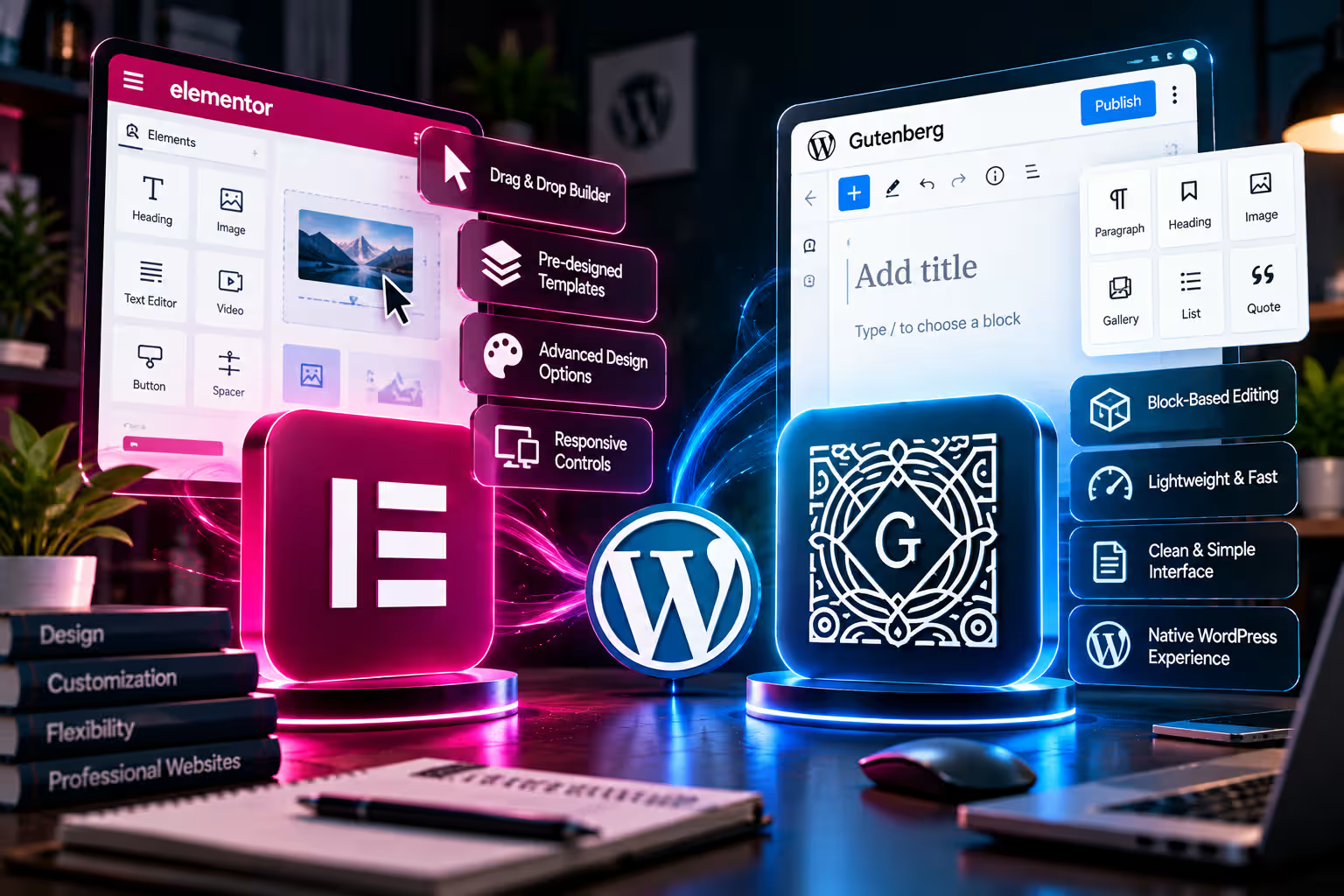
The trade-off is greater dependence on Elementor.
If your site is built extensively around Elementor templates and widgets, migrating away later can require more redesign work than a relatively native block-based site.
That is worth considering for long-term website management.
Can You Use Elementor and Gutenberg Together?
Yes, and for many websites this is the most practical approach.
You do not have to choose one editor for every part of the website.
For example, you could use Gutenberg for blog posts and straightforward content pages, while Elementor handles the homepage, service pages and campaign landing pages.
This keeps the editorial workflow simple without giving up advanced visual design where it adds value.
The main consideration is consistency.
Define your typography, colours, spacing and responsive behaviour carefully so pages do not look like they belong to two different websites.
If you already use Elementor and are deciding whether the paid features are necessary, the separate Elementor Free vs Pro guide addresses that decision in more detail.
When Should You Choose Gutenberg?
Gutenberg is a strong choice when content publishing, maintainability and staying close to native WordPress are more important than advanced visual effects.
It makes particular sense for blogs, news-style sites, documentation, straightforward company websites and projects already using a strong block theme.
It can also be the better starting point when you are comfortable working within a structured design system instead of customising every element independently.
Because the Site Editor now controls templates, styles and major site sections on block themes, Gutenberg can handle considerably more than basic article editing. WordPress Documentation
When Does Elementor Make More Sense?
Elementor becomes more attractive when visual flexibility has direct business value.
That includes landing pages, agency websites, portfolios, service businesses, custom WooCommerce layouts and websites where non-developers need to make detailed design changes visually.
Elementor Pro is particularly relevant when you need capabilities such as Theme Builder, forms, dynamic content and additional marketing or ecommerce tools within the same ecosystem. Elementor Pro
If you are building a simple blog, those capabilities may be unnecessary.
If you are building a lead-generation website where page structure and conversion elements change frequently, they can save substantial development effort.
Using Elementor Pro in Bangladesh
For Bangladesh-based WordPress users who decide that Elementor fits their website, DeltaBox IT currently provides single-domain Elementor Pro activation.
The current package is described as original license activation with official automatic updates during validity, with DeltaBox IT handling activation through temporary WordPress dashboard access. It is a one-domain activation arrangement rather than an open-ended multi-site Elementor account.
You can review the current Elementor Pro for WordPress package if your project requires Elementor’s advanced functionality.
For a wider comparison of themes, builders and optimisation tools, see DeltaBox IT’s Best WordPress Plugins & Tools guide or browse the WordPress Tools collection.
DeltaBox IT is an independent third-party digital-product provider and does not own or develop Elementor or WordPress.
Frequently Asked Questions
Is Gutenberg Better Than Elementor?
Gutenberg is often the better fit for content-focused websites and users who want to stay close to native WordPress. Elementor is more appropriate when detailed visual control and advanced page-building functionality are priorities.
Is Elementor Necessary for WordPress?
No. WordPress includes its own Block Editor, and block themes can use the Site Editor to design headers, footers, templates and other site-wide areas. WordPress Documentation
Can Gutenberg Replace Elementor?
For many blogs and relatively straightforward business websites, yes. Websites requiring highly customised landing pages, advanced visual controls, forms or specialised marketing layouts may still benefit from Elementor.
Is Gutenberg Faster Than Elementor?
There is no universal result. Gutenberg avoids requiring a separate page builder for native block layouts, but real-world performance depends on the complete website implementation, including hosting, theme, plugins, images and scripts.
Can I Use Gutenberg for Blogs and Elementor for Landing Pages?
Yes. This is a practical hybrid setup. Gutenberg can handle routine publishing while Elementor is reserved for pages that require more visual control.
Final Verdict
Choose Gutenberg when you want a content-first WordPress workflow, native block editing and enough design control without depending heavily on an additional page builder.
Choose Elementor when visual design, landing pages, dynamic layouts and marketing-oriented site building are more important.
For many websites, the strongest solution is not Elementor or Gutenberg everywhere.
It is Gutenberg where native WordPress is sufficient, and Elementor where additional design control produces a meaningful benefit.