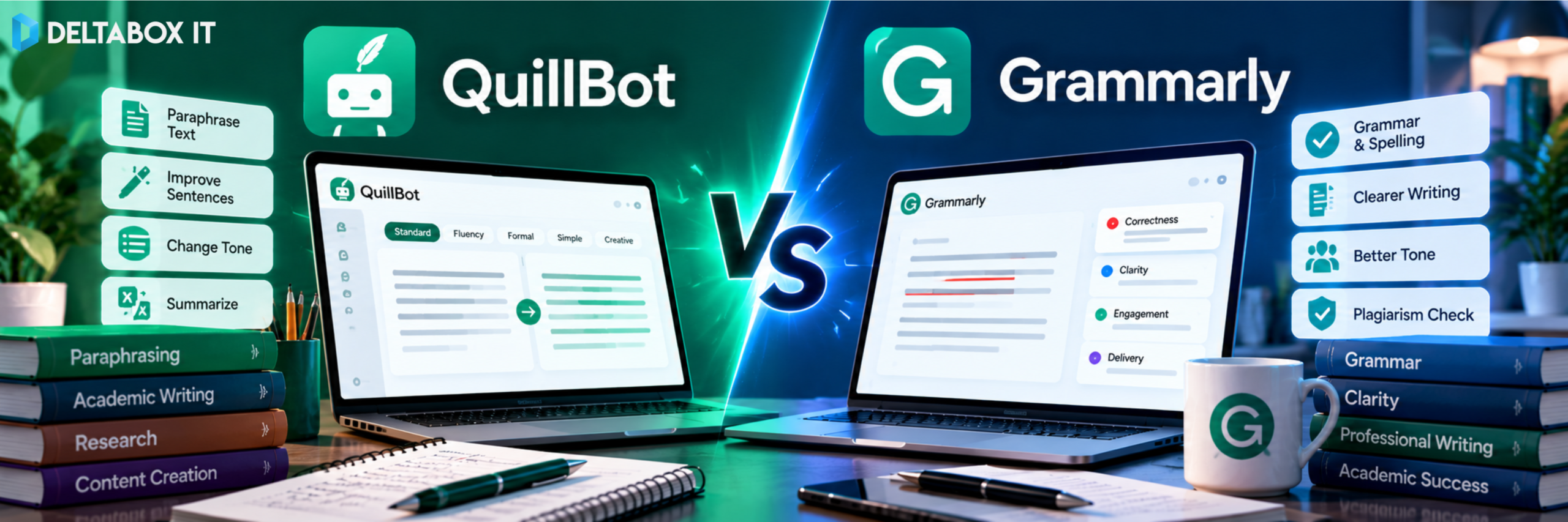

QuillBot and Grammarly are two popular AI writing assistants, but choosing between them can be confusing. Both help improve grammar, rewrite sentences, adjust tone and review written content.
The difference is how you typically use them.
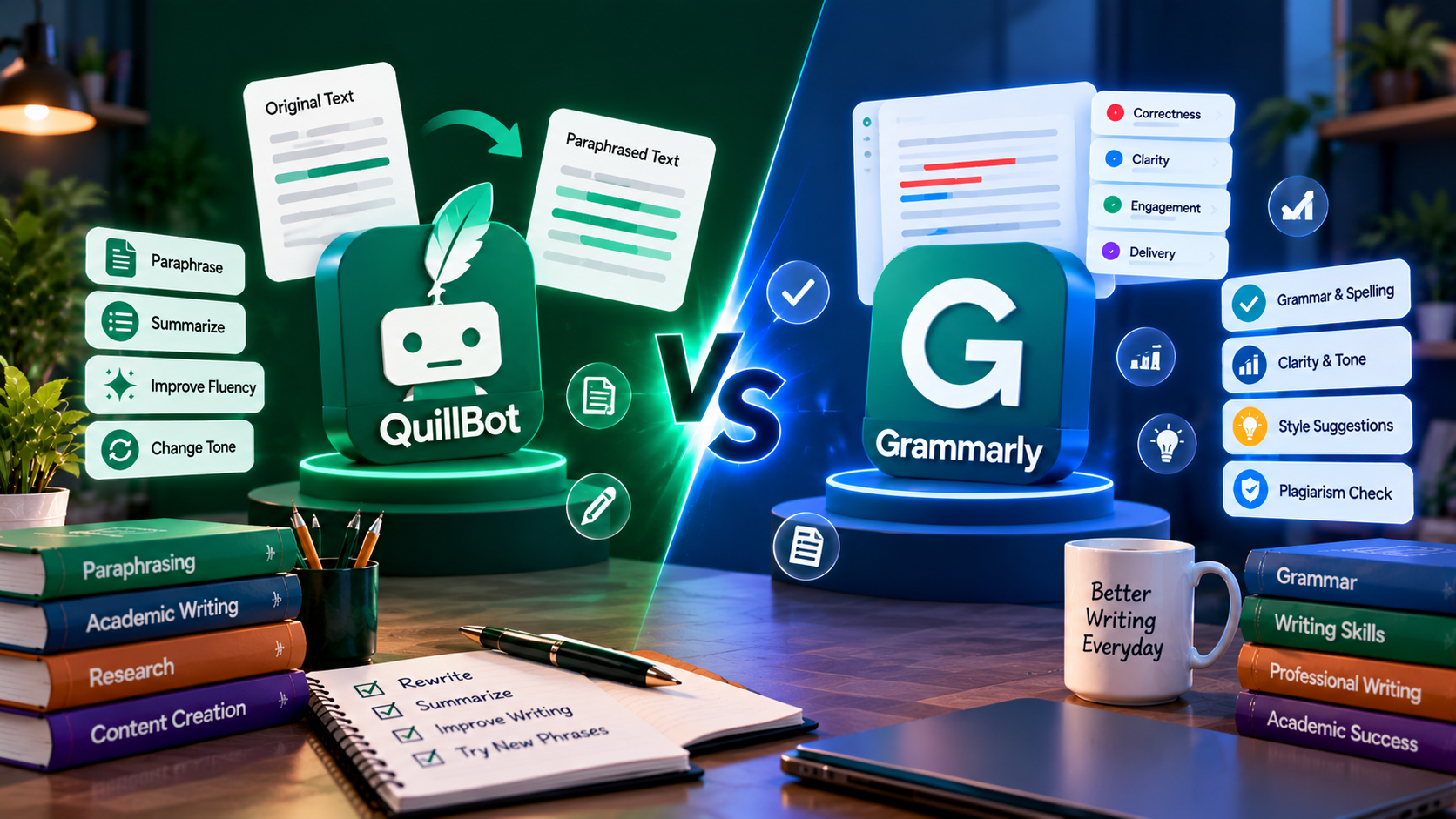
QuillBot is particularly useful for paraphrasing, summarising and restructuring existing text. Grammarly is particularly useful for continuous proofreading, improving clarity and polishing communication.
For students, researchers, freelancers and professionals in Bangladesh, the better option depends on the writing problem you need to solve.
Do you struggle to rephrase complicated sentences? Need to polish professional emails? Or want to improve academic drafts before submission?
This QuillBot vs Grammarly comparison covers their strengths, limitations, free and paid features, and practical use cases.
QuillBot vs Grammarly: Quick Comparison
| Feature | QuillBot | Grammarly |
|---|---|---|
| Main strength | Paraphrasing and rewriting | Grammar, clarity and tone |
| Grammar correction | Yes | Yes |
| Paraphrasing | Dedicated modes and controls | Sentence rewrites and adjustments |
| Summarising | Dedicated Summarizer | Available through AI-assisted workflows |
| Academic writing | Strong rewriting and citation tools | Strong proofreading and clarity support |
| Plagiarism checking | Eligible Premium access | Supported paid plans |
| AI detection | Available | Available |
| Professional emails | Useful | Particularly well suited |
| Browser integration | Available | Available across supported apps |
| Free version | Yes | Yes |
Quick verdict: Choose QuillBot when rewriting and summarising are your biggest needs. Choose Grammarly when you want ongoing language correction and professional writing support.
What Is QuillBot?
QuillBot is an AI writing platform originally developed around paraphrasing.
Its Paraphraser helps users express existing text differently while attempting to preserve the original meaning.
Today, QuillBot includes grammar checking, summarisation, AI detection, plagiarism checking, citation generation and other writing tools.
Its main advantage is control over rewriting.
For example, you can take a complicated paragraph and request a simpler version or compare different paraphrasing modes.
That makes QuillBot useful for students reviewing difficult reading materials, researchers refining their own explanations and content writers restructuring drafts.
However, paraphrasing does not automatically make copied material original. Sources still require proper attribution.
What Is Grammarly?
Grammarly is an AI-powered writing assistant focused on improving correctness, clarity, tone and communication.
Instead of requiring you to paste every paragraph into a separate rewriting tool, Grammarly can provide suggestions while you write in supported browsers, documents and applications.
It identifies spelling, grammar and punctuation issues and offers recommendations for sentence clarity and tone.
Paid Grammarly features also support full-sentence rewriting, plagiarism checking and generative AI assistance.
Grammarly’s current direct web subscription is marketed as Grammarly Pro, while Grammarly Premium remains available through certain purchase channels.
This distinction matters because plan names and included features can vary.
1. QuillBot vs Grammarly for Paraphrasing
QuillBot is the better starting point for paraphrasing-focused work.
Its dedicated Paraphraser provides different writing modes, synonym controls and options for comparing rewritten passages.
Suppose your original sentence is:
The rapid adoption of digital technologies has significantly transformed communication practices within modern organisations.
You might want a simpler version:
Digital technology has changed how organisations communicate.
QuillBot is designed around this type of transformation.
Grammarly also supports sentence rewrites, but its core experience focuses more on improving text while you write.
For users who regularly restructure lengthy paragraphs or experiment with alternative expressions, QuillBot offers a more specialised workflow.
Always check whether the rewrite preserves technical meaning, especially in academic or legal writing.
2. Which Tool Is Better for Grammar Checking?
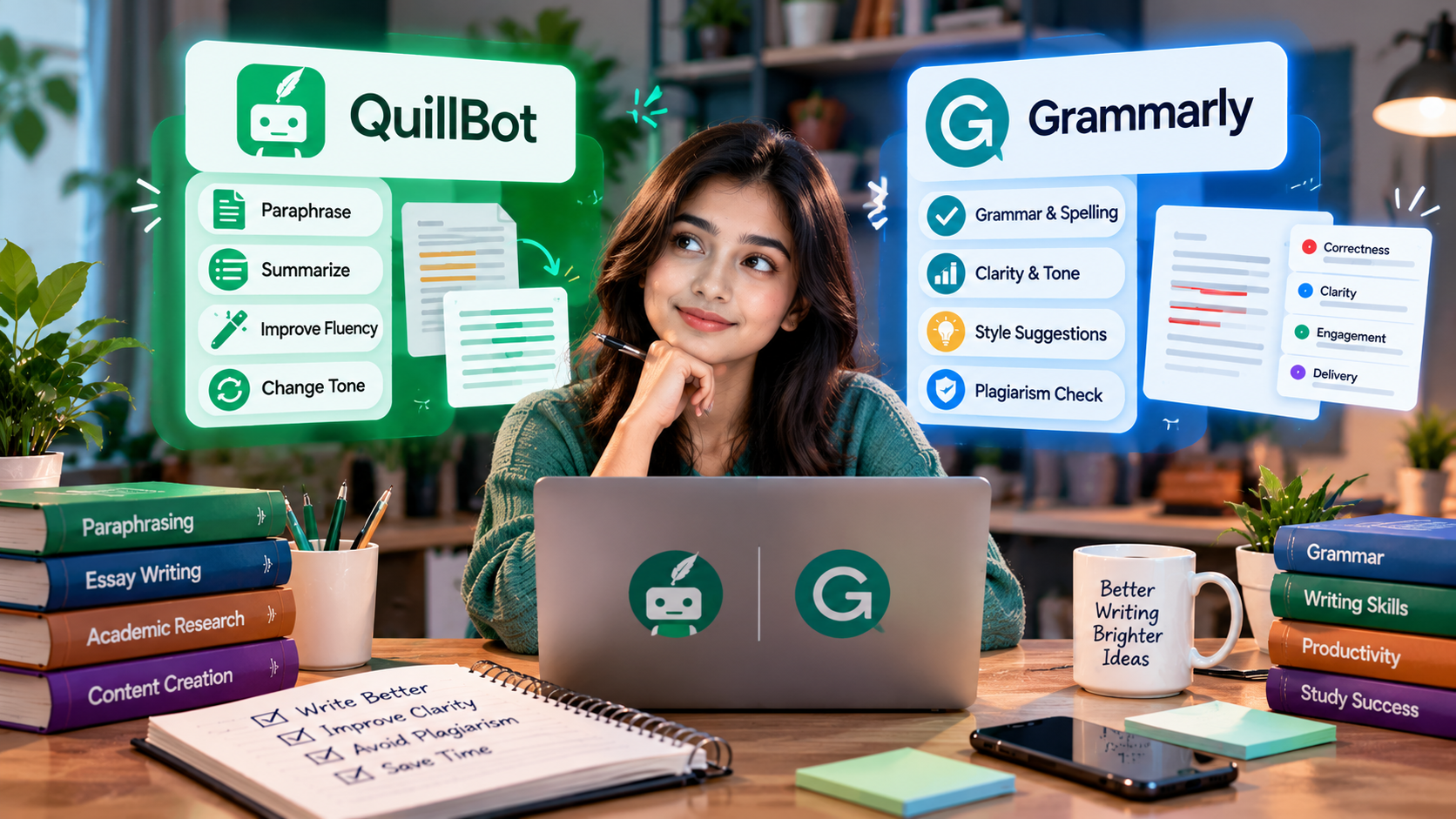
Both platforms can correct grammar, spelling and punctuation.
QuillBot provides a Grammar Checker with basic free corrections and advanced suggestions in eligible paid plans.
Grammarly’s stronger use case is continuous proofreading.
For example, while preparing an important client email, Grammarly can identify unclear wording and suggest adjustments before the message is sent.
Grammarly also provides tone-related suggestions, helping users understand whether their writing sounds too direct, informal or uncertain.
QuillBot has expanded into advanced grammar and tone recommendations as well, so the difference is no longer simply that one tool checks grammar and the other does not.
For everyday proofreading across multiple writing tasks, Grammarly is generally the more natural choice.
3. QuillBot vs Grammarly for Academic Writing
Students and researchers need more than grammatically correct sentences.
Academic writing requires clear arguments, appropriate terminology, accurate references and careful handling of source material.
QuillBot can be useful when you need to simplify difficult sentences, summarise reading materials or reorganise your own draft.
Its citation tools also support common academic referencing workflows.
Grammarly is particularly helpful during proofreading. It can improve grammar, sentence clarity, consistency and academic tone.
Consider a research student who has completed a literature review.
QuillBot may help review the structure of a difficult paragraph, while Grammarly may be better suited to polishing the finished writing.
Neither tool can guarantee that a research argument is valid or that every citation is correct.
The researcher must still verify the original evidence and follow institutional academic-integrity requirements.
4. Which Is Better for Plagiarism Checking?
Both platforms provide plagiarism-related features through eligible paid plans.
QuillBot Premium includes a Plagiarism Checker with a stated monthly scanning allowance. Availability depends on the plan and account access.
Grammarly also offers plagiarism checking through supported paid experiences.
However, a plagiarism checker and a similarity report are not the same as a final academic-integrity decision.
A matching passage may be correctly quoted or referenced. A low similarity result does not automatically establish originality.
If your institution requires a specific report type, confirm the accepted system before submitting your work.
Students who need separate source-overlap review can explore similarity checking for academic writing through DeltaBox IT.
These third-party checking options should not be confused with the plagiarism features bundled directly into QuillBot or Grammarly.
5. QuillBot vs Grammarly for AI Detection
Both tools now include AI-detection functionality.
These systems attempt to identify patterns associated with AI-generated or AI-modified writing.
However, detection results are estimates, not proof of authorship.
A human-written passage may be classified incorrectly, and an AI-assisted passage may not be identified consistently.
For academic work, the safest approach is to follow the institution’s disclosure and authorship rules.
Use writing tools to improve your own work, not to disguise prohibited AI use.
6. Which Is Better for Summarising?
QuillBot offers a dedicated Summarizer, making it convenient for reducing longer material into a more manageable overview.
This is useful when reviewing reports, preparing study notes or identifying the main ideas in lengthy text.
Grammarly can also assist with summarisation through supported AI features, but summarising is not the centre of its traditional proofreading workflow.
For users who regularly switch between paraphrasing and summarising, QuillBot provides a more direct experience.
Remember that summaries can omit qualifications or supporting details. Always return to the original source when accuracy matters.
7. QuillBot vs Grammarly for Professional Writing
For professional emails, proposals, reports and workplace communication, Grammarly often has the stronger workflow fit.
It helps identify potentially awkward sentences without requiring a full rewriting session.
For example, consider this email:
You did not send the required documents. Send them immediately.
Grammarly may help you express the request more professionally:
Could you please send the outstanding documents so we can proceed?
QuillBot can also rewrite the sentence, but Grammarly’s ongoing tone and clarity suggestions are convenient for regular business correspondence.
Freelancers, HR professionals, customer-support staff and office employees may therefore find Grammarly particularly useful.
8. Free vs Paid: Do You Need Premium?
Both tools offer free plans.
QuillBot Free provides basic paraphrasing, limited rewriting modes, grammar assistance and other restricted features.
QuillBot Premium expands paraphrasing controls, writing modes, advanced suggestions and access to additional tools.
Grammarly Free is useful for routine grammar and writing corrections. Paid Grammarly plans add more extensive sentence rewrites, tone adjustment and advanced writing capabilities.
Before subscribing, identify your limitation.
If basic proofreading already meets your needs, Grammarly Free may be sufficient.
If you regularly paraphrase lengthy material and need advanced rewriting controls, QuillBot Premium becomes more relevant.
Upgrade for a recurring workflow, not simply because a tool has a longer feature list.
QuillBot vs Grammarly: Which Is Better for Bangladeshi Users?
Bangladesh students and professionals often need English writing assistance for assignments, applications, research papers, client communication and workplace reports.
DeltaBox IT lists both QuillBot Premium subscription options and Grammarly Premium subscription options with local payment support.
The account model is important.
DeltaBox IT’s QuillBot listings distinguish shared access, which excludes the plagiarism feature, from personal access, which includes it. QuillBot’s own terms prohibit account sharing and warn that violations may cause access restrictions.
The Grammarly listings also distinguish shared and personal plans. Shared access can expose stored writing to other users, making it unsuitable for confidential or unpublished material.
For sensitive academic research or client documents, use an appropriately secured personal account.
Check the live product pages for availability, included features, access conditions and warranty coverage before ordering.
DeltaBox IT is an independent third-party subscription provider and does not own or operate QuillBot or Grammarly.
Which One Should You Choose?
Choose QuillBot if most of your writing time goes into paraphrasing, restructuring paragraphs, reviewing lengthy reading materials or summarising.
Choose Grammarly if you spend more time drafting emails, proofreading documents, refining tone or polishing professional English.
For academic writing, the tools can complement each other, but using both is not automatically necessary.
Try their free versions with the same paragraph and assess which suggestions actually improve your work.
The best tool is the one that solves your most frequent writing problem without changing your intended meaning.
Frequently Asked Questions
Is QuillBot Better Than Grammarly?
QuillBot is more specialised for paraphrasing and summarising. Grammarly is particularly useful for continuous proofreading, tone and professional communication.
Is Grammarly or QuillBot Better for Students?
QuillBot may suit students who frequently revise and summarise study materials. Grammarly may better suit students who primarily need to polish essays, emails and reports.
Can QuillBot Replace Grammarly?
For some workflows, yes. QuillBot includes grammar checking and advanced writing suggestions, but users who value continuous proofreading may prefer Grammarly.
Does QuillBot Check Plagiarism?
Eligible QuillBot Premium plans include plagiarism checking, subject to the applicable usage allowance. Not every third-party access package includes this feature.
Can I Use QuillBot and Grammarly Together?
Yes. You can use QuillBot to restructure your own draft and Grammarly to proofread it. Review both outputs carefully and preserve proper citations.
Final Verdict
The QuillBot vs Grammarly decision comes down to your main writing task.
QuillBot is the stronger fit for users who frequently paraphrase, summarise and restructure text.
Grammarly is the stronger fit for users who want ongoing grammar correction, tone adjustment and polished communication.
For students, researchers and professionals, neither tool replaces original thinking, careful referencing or final proofreading.
Choose the platform that makes your existing writing process clearer and more efficient—not the one that promises to do all the writing for you.
For additional options, explore the Education & Research tools available through DeltaBox IT.